

Screenshots
Description
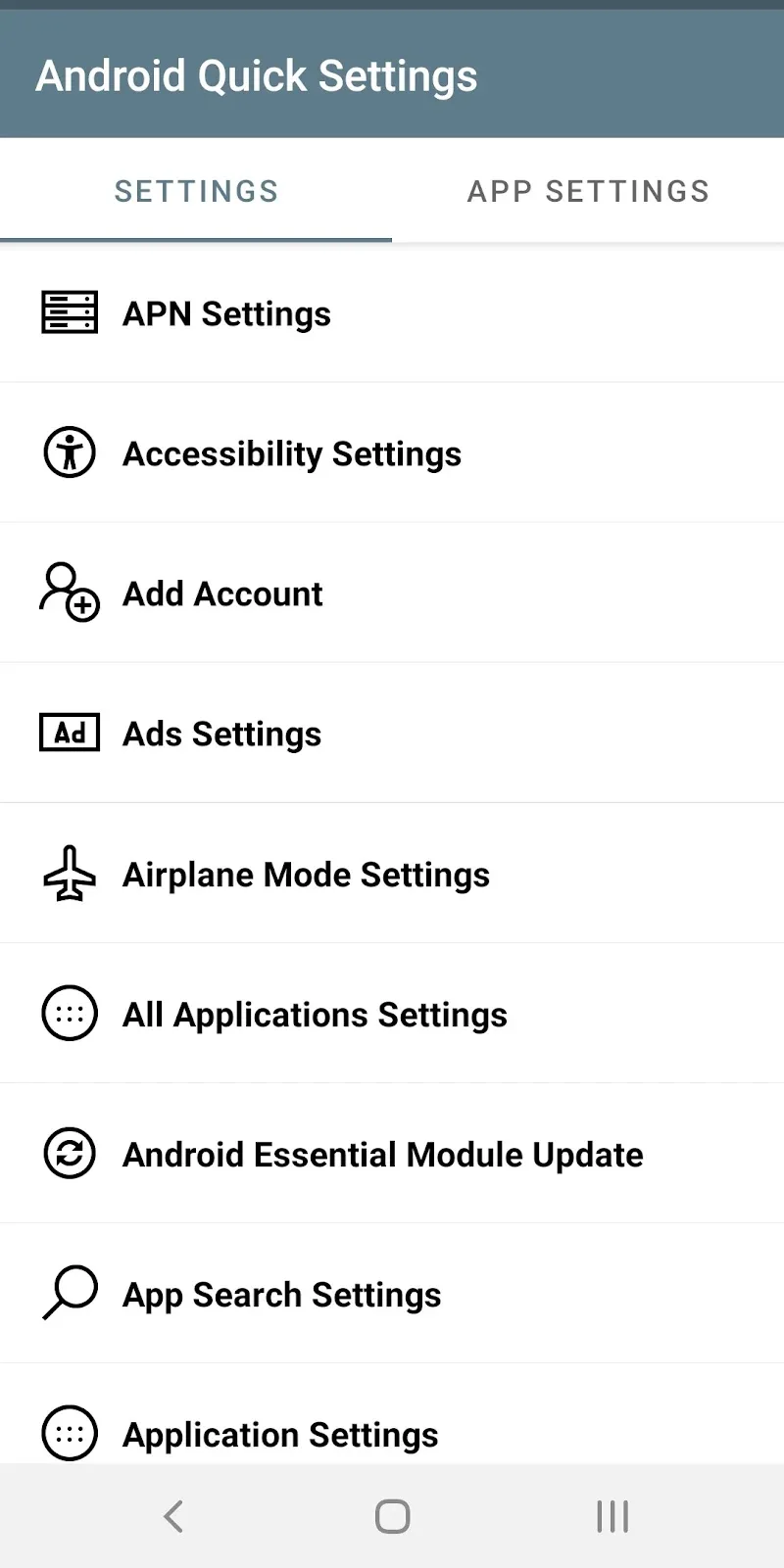
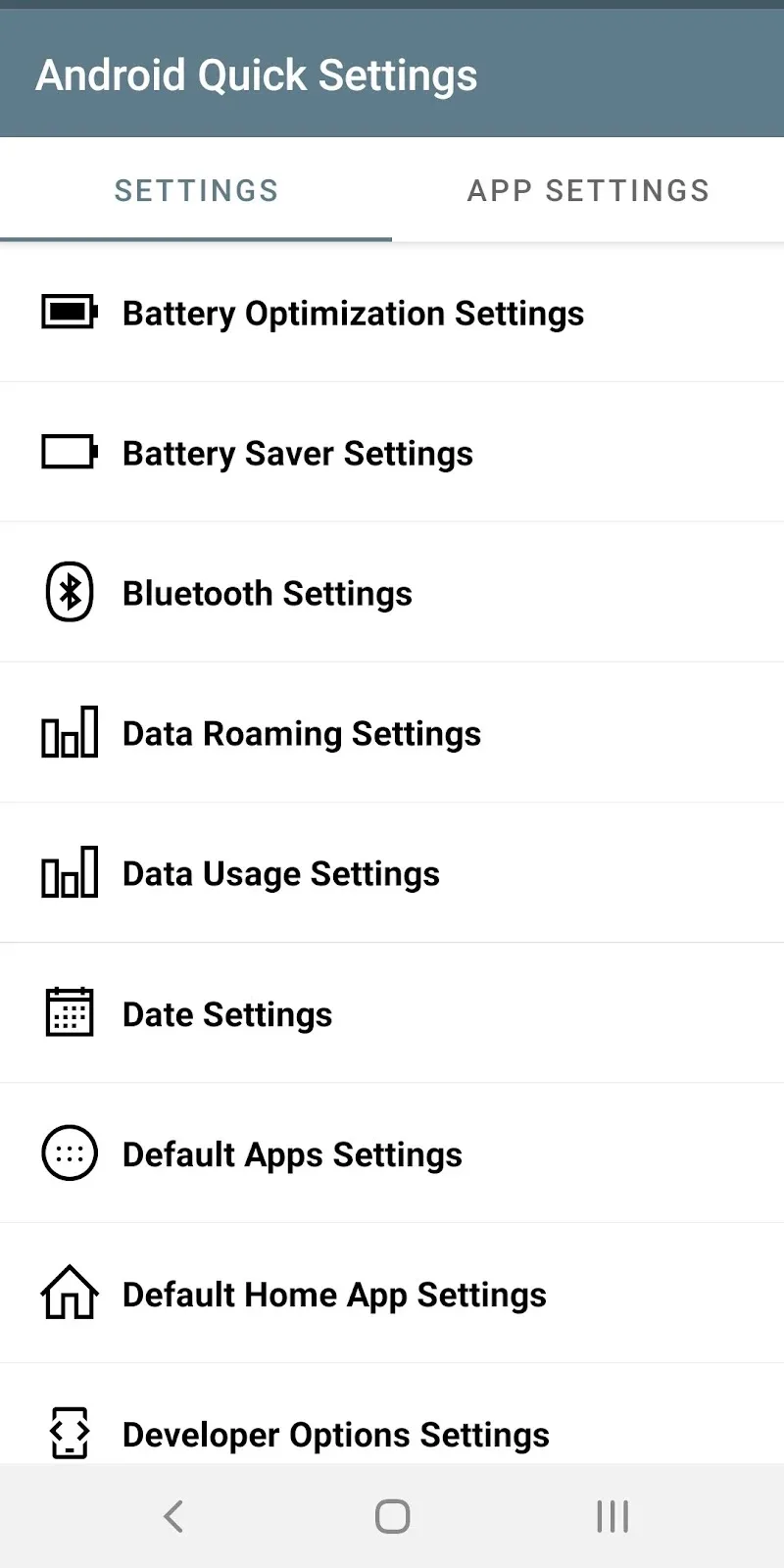
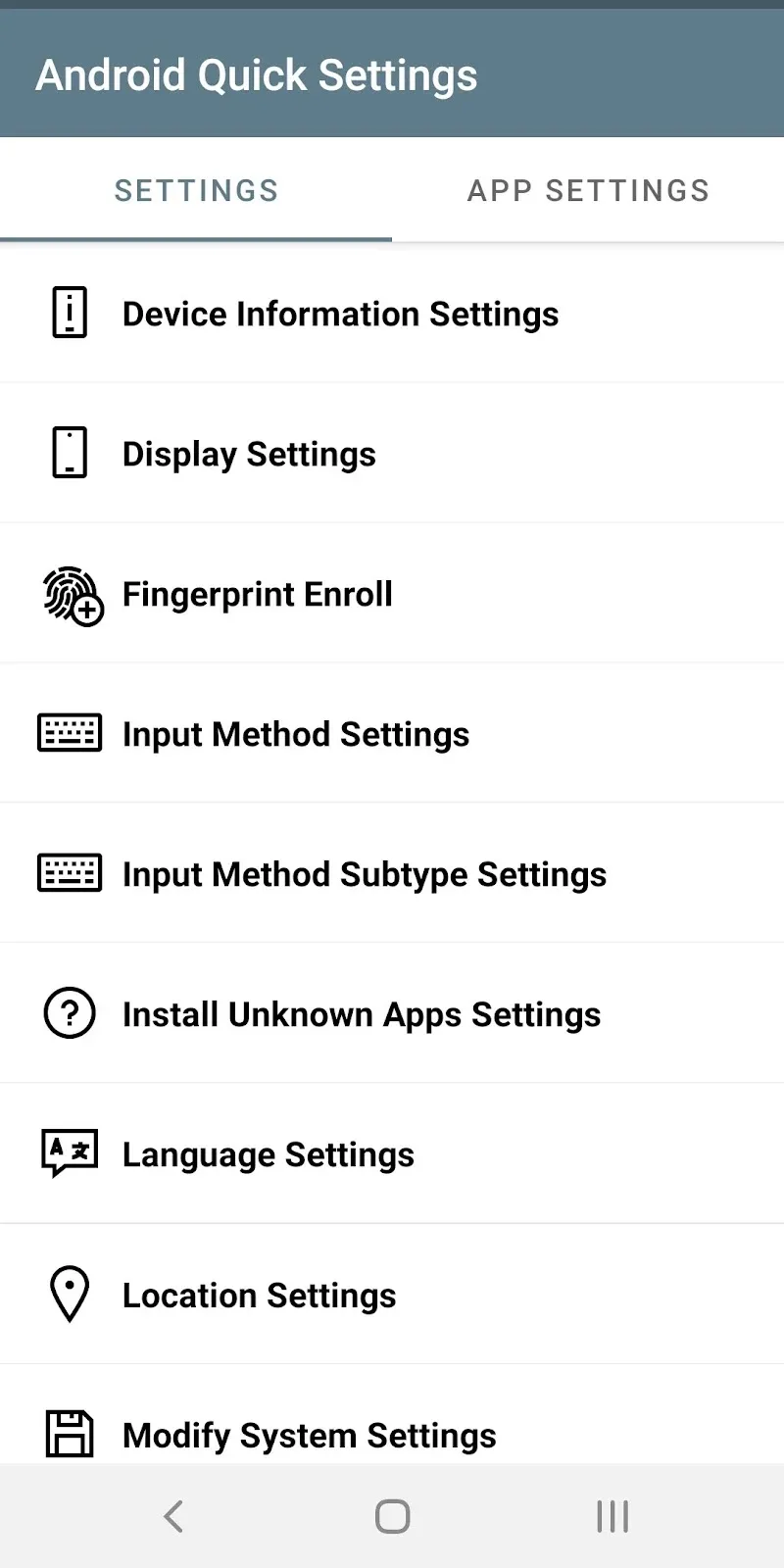
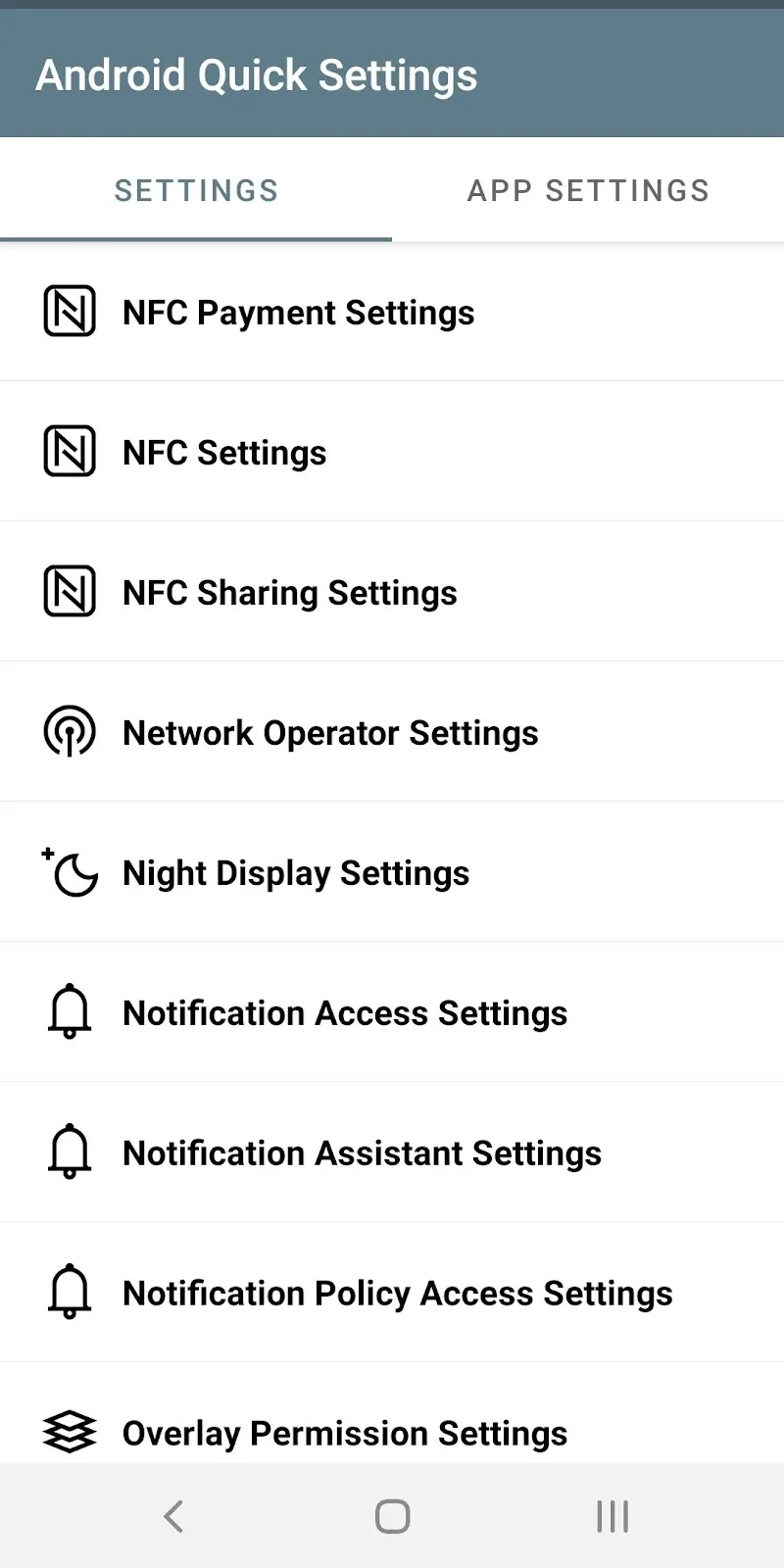
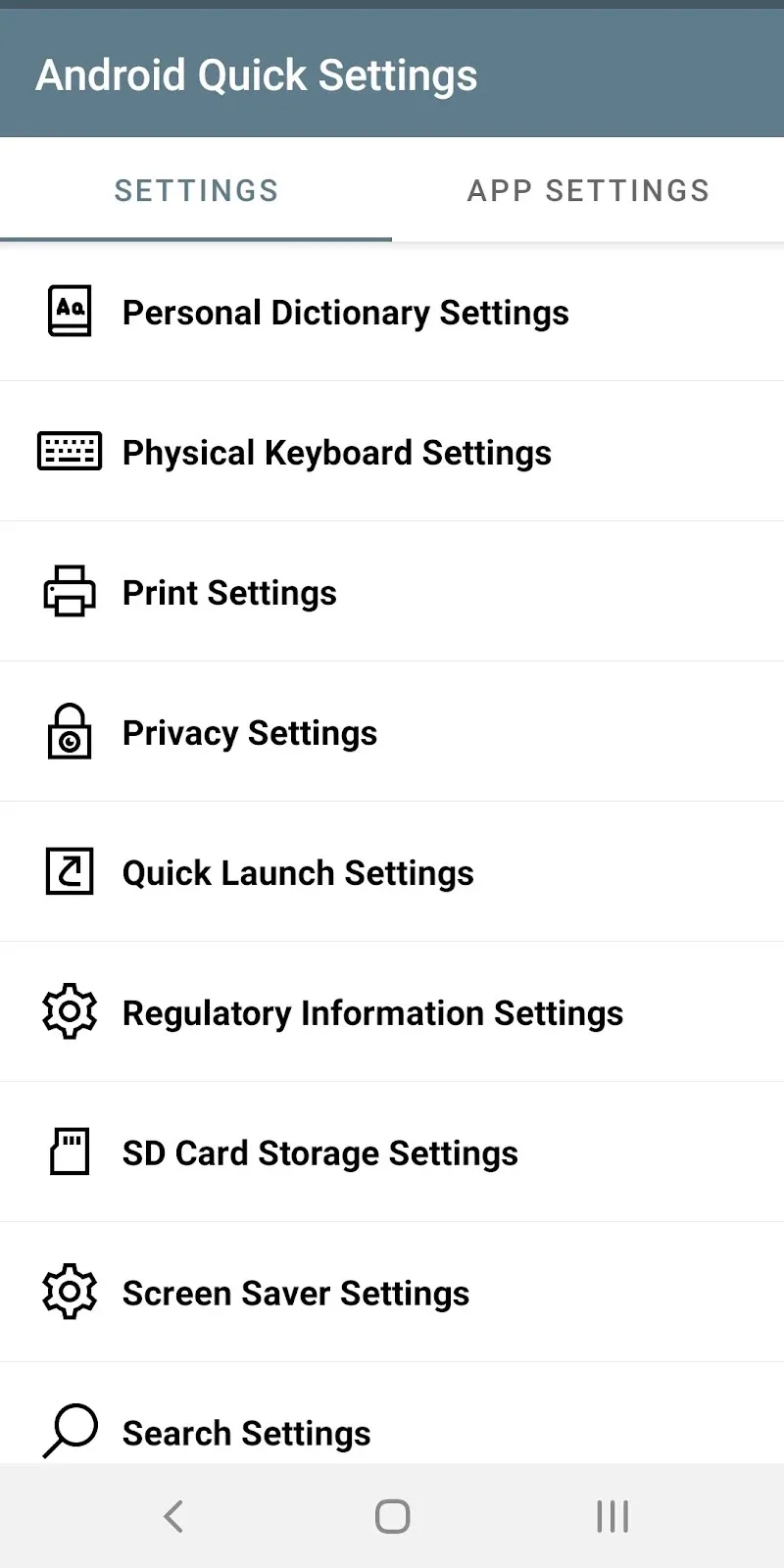
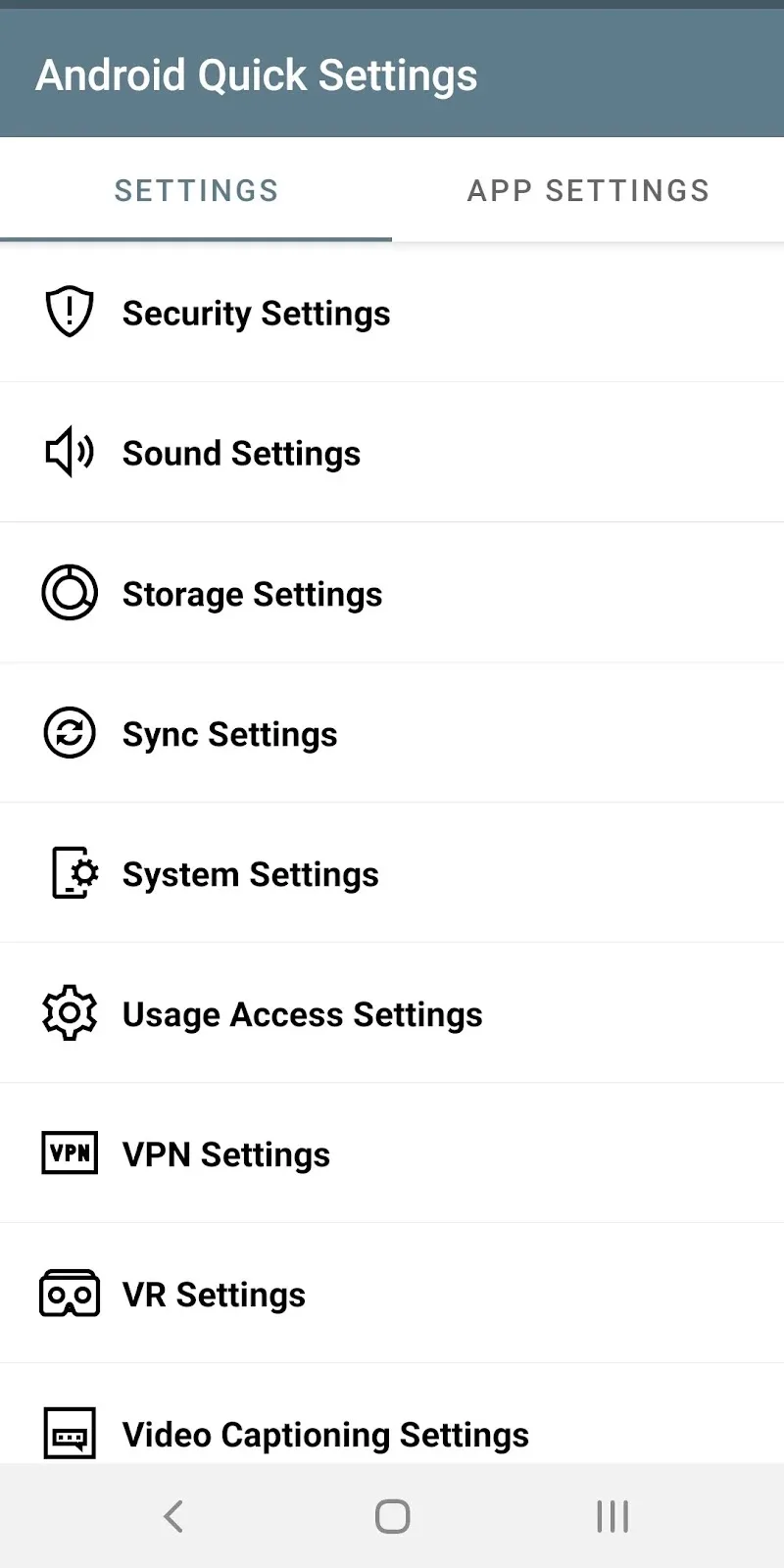
System settings can feel far more complicated than they need to be. Often you only rely on a handful of options every day, yet each one means tapping through several deeply buried menus just to flip a simple switch. The Android Quick Settings tool solves this by putting all your key customizations within instant reach. Simply set up the options you use most with a few easy steps, then activate them whenever you need, and you're finished.
Quick Shortcut Access
Scrolling painfully through hundreds of confusing system entries is a thing of the past. Finding the setting you need can be genuinely tough and frustrating, but every important option is now neatly arranged in a clear list. Just place your favorites in convenient spots and locate them in seconds. The tool lets you reach hidden customizations directly with a single light tap, making device control smoother and quicker than ever. As a result, you can save a great deal of time during everyday use.
- Optimized List: Shows options in a clean list layout.
- Smart Search: Find any setting item instantly.
- System Shortcuts: Open hidden options directly.
Automatic Management and Permissions
Control screen display modes and wireless connections in the simplest possible way. Adjusting settings for individual apps is no longer a hassle, and managing privacy and personal data access is just as straightforward. Overall system management now sits almost entirely in your hands.
- App Management: Adjust permissions quickly.
- Connection Setup: Fine-tune Wi-Fi and Bluetooth.
- Privacy Control: Protect your personal information.
How to install
- Download the APK file above to your phone.
- Allow “Install unknown apps” when prompted.
- Open the downloaded APK and tap Install.
- If the package includes OBB/XAPK data, follow the bundled instructions.
MOD APKs are modified builds, so Play Protect may show a warning. Install only if you trust the file; use at your own risk.