
Screenshots
Description
Get more out of your charging speed and battery with the AmpereFlow MOD APK! Check your battery health and charging speed at a glance, and protect your battery life with handy utility tools and AOD.
This modded build gives you the full set of features, since the Premium Unlocked status is already applied. You can use every advanced diagnostic tool in AmpereFlow MOD APK without making any in-app purchases.
What's Changed in AmpereFlow
- The Premium Unlocked status gives you instant access to professional battery monitoring and advanced diagnostic tools that are normally locked in the standard version.
This build is version 2.1.8, around 6 MB in size, and uses the package name com.androxus.batterymeter. It is a re-signed file, so it can't be installed as an update over the original store version.
About AmpereFlow
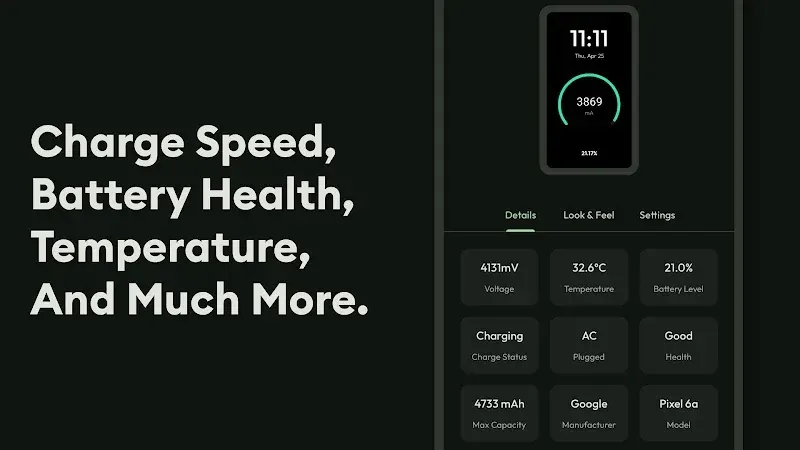
AmpereFlow lets you control how and where your device uses and gains electrical energy. More importantly, it shows detailed information about what happens while your battery charges and discharges. You can see where your battery is losing charge and how effective your charging setup is. By understanding these processes and metrics, you can adjust your battery settings to extend battery life and avoid wasteful use. The app lets you analyze electrical data such as amperage and wattage, so you can draw performance-based conclusions about your device and the electrical loads it is working with.
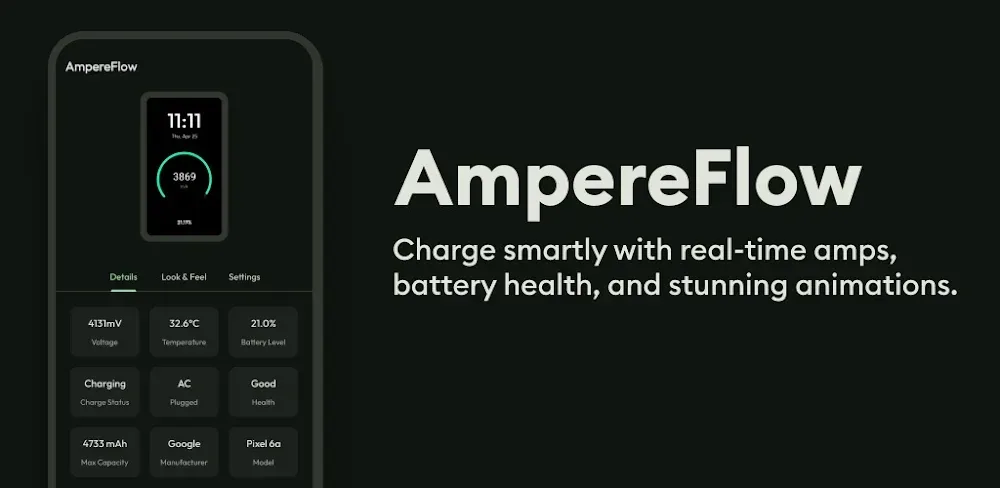
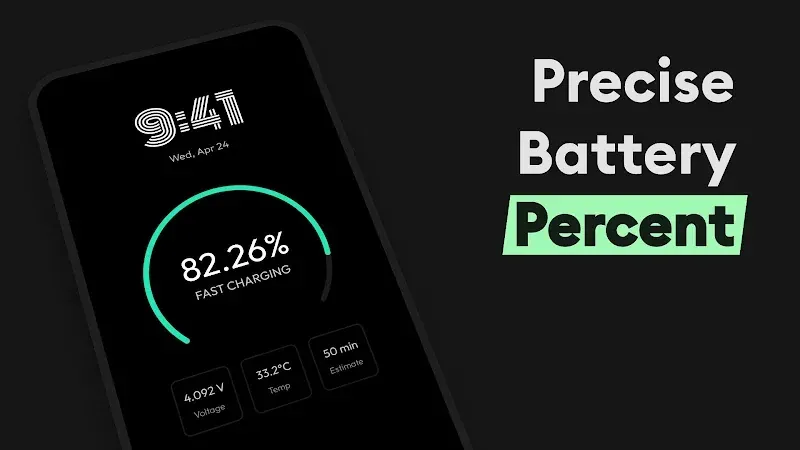
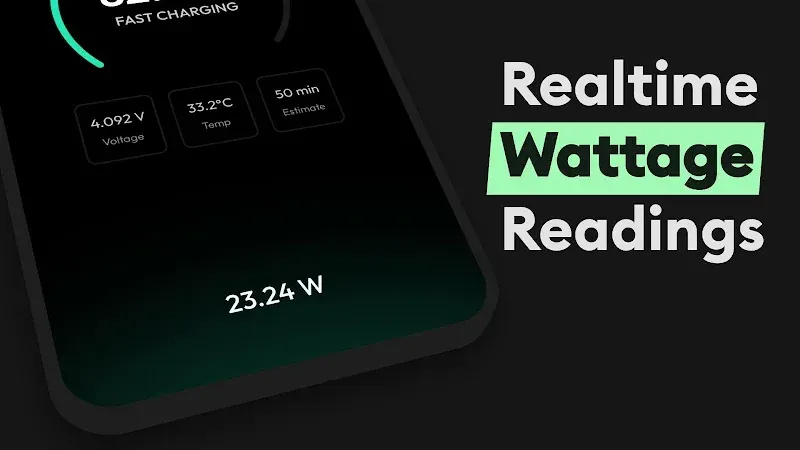
The app includes a Real-Time Charging Meter that gives you immediate feedback on how much power your device is drawing from its power source. Not all chargers and cables are equal, and this feature helps you figure out which charging equipment is safe and efficient. Live Power Readings give you insight into both the battery and the power source. Knowing how a device's electrical interfaces and power electronics affect its long-term health is valuable, and this app delivers that information. It reveals charging data that is usually hidden from users. Standard systems often give only a rough estimate of how much longer a device will run. AmpereFlow takes a similar approach, but instead of relying on vague guesses, it uses actual power measurements to show how much longer your device can keep going.
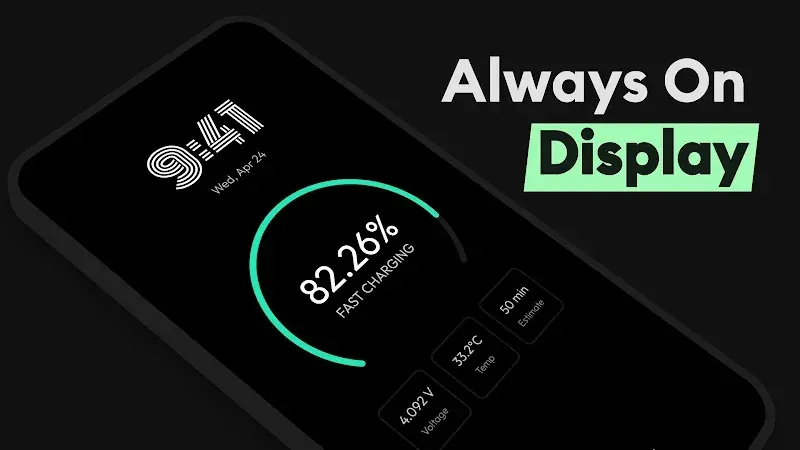
The Always-On Display feature lets you check power status without repeatedly turning on your screen, which can also help you avoid draining your battery needlessly. You can even see charging status while the screen is off. You can also track battery health by monitoring voltage, temperature, and capacity. Battery damage is permanent and can result from rough handling, so it is important to stay within the safe limits for these values. By tracking these readings over the battery's lifespan, you can see how those limits affect its health. For the longest possible battery life, it is best to take steps that limit unnecessary usage.
The app features Power Sessions, a mode designed to optimize charging efficiency and battery health. The developers say this session-based approach improves battery health and charging metrics. Like other battery health apps, its core purpose is to provide detailed battery health metrics. The developers state that the app uses advanced hardware and software to deliver diagnostics that are typically available only to hardware professionals. It includes an internal algorithm that measures how efficiently the battery charges and drains. Unlike competitors that rely on fuzzy logic or other methods to simulate charge and drain metrics, the developers claim AmpereFlow takes a hardware-based approach to measuring battery health and performance.
Hardware Monitor is arguably the app's most distinctive feature, as it shows you each individual process and how much energy it consumes. It also reveals which apps use the most battery, so you can adjust your settings to reduce drain. The app is transparent about how your device interacts with apps and the energy they use. For battery-intensive processes, it gives you even more control by reporting metrics in real time. Overall, these features are designed to help you extend your device's battery life.
The app turns your device into a complete battery lab for keeping your battery healthy, maintaining it, and repairing it when needed. As a battery wears down, you gradually lose control over how reliably your device performs. This application measures how quickly battery power is being used up and plots that drain over time, helping you take back some control. It also offers ways to keep track of your battery's overall condition. AmpereFlow offers similar capabilities through its Modified Android Application Project (MOD) APK. Used together with AmpereFlow, this app lets you understand your device's electrical health in greater depth and gain more control over how efficiently your charging system works.
Key features
- Real-Time Charging Meter
- Live Power Readings
- Always-On Display (AOD) Integration
- Battery Health Tracking
- Monitoring Temperature, Voltage, and Capacity
- Power Sessions Efficiency Metrics
- Internal Hardware Sensors and Algorithms
- Real-Time Energy Usage for Each Application
Related MOD APKs
- AudioPay: UPI Mobile Soundbox
- Action Notch: Touch The Notch
- Flow Equalizer: Bass Booster
- Action Dot: Assistive Touch
FAQ
Is Premium Unlocked in the AmpereFlow MOD APK?
This AmpereFlow 2.1.8 build comes with Premium Unlocked. It works just like the Androxus version, and the modifications take effect as soon as you install it.
What Is the Latest Version of the AmpereFlow MOD APK?
This 2.1.8 build matches the Androxus version released on August 30, 2026. We don't keep older versions on this site. To update, install this file over your current app. If you see a signature error, uninstall the old version first.
Is the AmpereFlow MOD APK Safe to Download?
This AmpereFlow 2.1.8 release is the Androxus app with Premium Unlocked. It has earned a 3.9 rating from 62 users. Root access is not required. If Play Protect shows a warning, make sure you download the file from this page on GameMod.dev.
Can I Use the AmpereFlow MOD APK on PC or iPhone?
This Android package will not install on an iPhone. On a computer, you can run the 6M APK using an emulator such as BlueStacks or LDPlayer. Install the emulator first, then drag the file into it.
How to install
- Download the APK file above to your phone.
- Allow “Install unknown apps” when prompted.
- Open the downloaded APK and tap Install.
- If the package includes OBB/XAPK data, follow the bundled instructions.
MOD APKs are modified builds, so Play Protect may show a warning. Install only if you trust the file; use at your own risk.