

Screenshots


Description
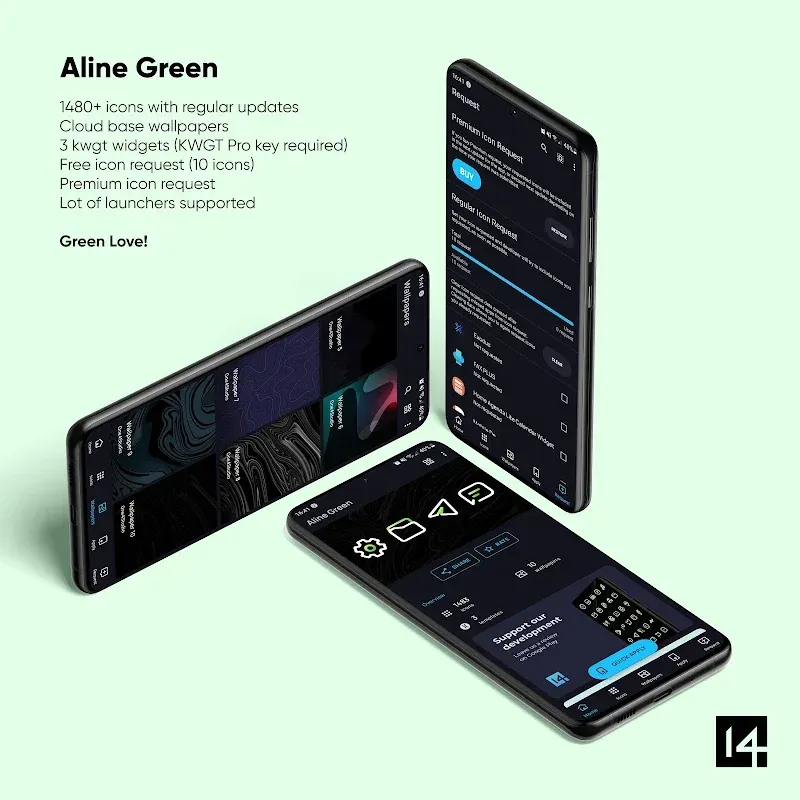
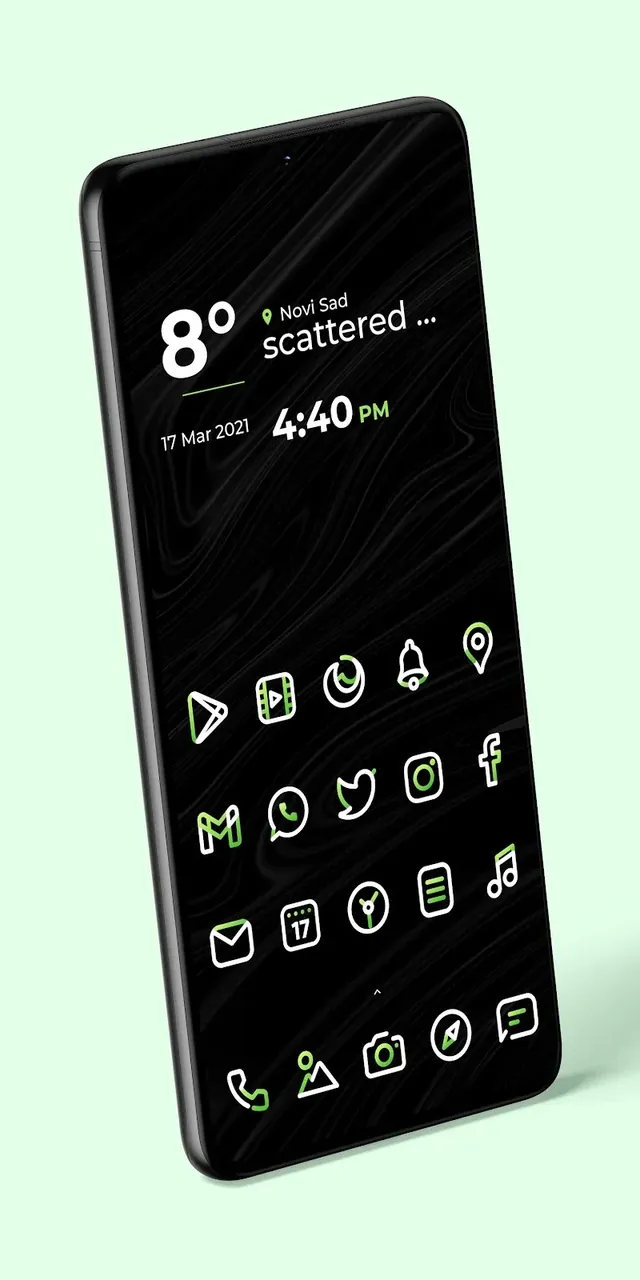
Give your Android device a sleek revamp with Aline Green, featuring over 3,170 minimalist outline icons, crisp HD backgrounds, and tailored widgets for an elegant home screen.
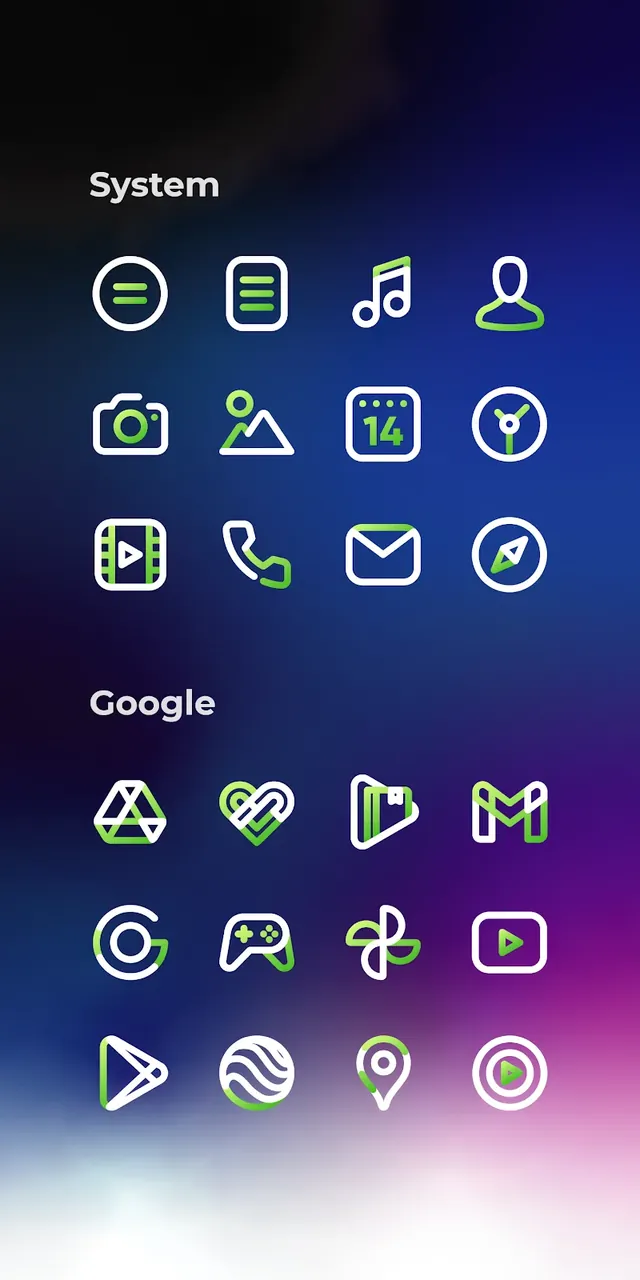
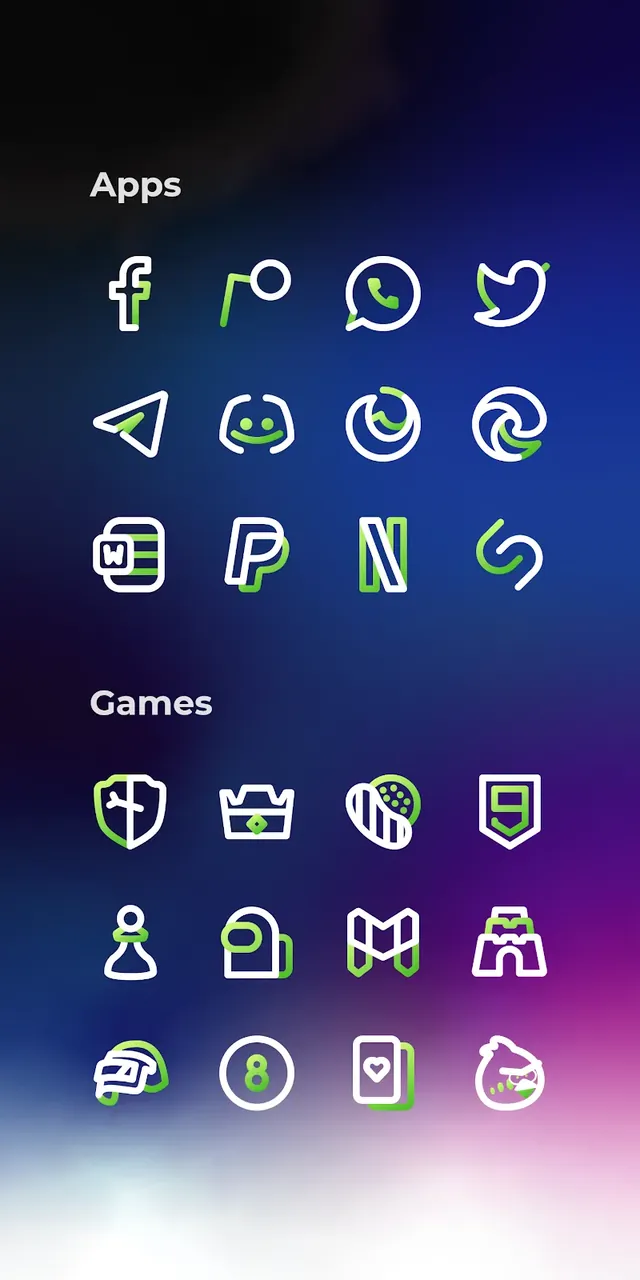
Transform your Android smartphone with Aline Green MOD APK: linear icon pack, a premier personalization suite crafted for fans of polished, contemporary aesthetics. Tailored for lovers of clean minimalism, Aline Green swaps out messy, mismatched visuals for a unified suite of linear icons highlighted with vivid green details that stand out on every display. If you want to eliminate screen clutter, this icon collection revitalizes your interface with a neat, well-organized app drawer that looks stunning every day.
Key Features of Aline Green
- Massive Icon Library: Explore a rich gallery of more than 3,173 handcrafted icons, each carefully styled to deliver a clean, consistent appearance throughout your entire device.
- Full HD Precision: Rendered in ultra-clear Full HD, every single icon retains sharp detail across all display sizes, from entry-level phones to high-end Android tablets.
- Curated Wallpaper Collection: Pair your setup with over 20 high-definition cloud wallpapers, chosen to blend naturally with the modern green outline theme.
- Exclusive Custom Widgets: Upgrade your home screen with 5 stylish built-in widgets, featuring a quick toggle bar, battery tracker, real-time weather, and sleek clocks.
- Dynamic Calendar Support: Stay up to date effortlessly with a responsive calendar icon that syncs and changes each day automatically.
- Frequent Updates: Enjoy continuous support with regular content drops that introduce requested icons and cover newly launched Android apps.
Application Mechanics & Compatibility
Getting started with Aline Green is quick and straightforward across multiple launchers. Follow these quick steps to set up your look: 1. Installation: Grab the icon pack from GameMod.dev and make sure you run a supported Android launcher like Nova, Lawnchair, Smart, or Apex. 2. Apply Icons: Launch the Aline Green dashboard, head to the 'Apply' section, and pick your active launcher to switch styles immediately. 3. Customize Widgets: Tap and hold an empty space on your home screen to place the custom widgets wherever you prefer. 4. Icon Request Tool: Found an unstyled app? Submit it directly through the built-in request feature so future updates can include it for total UI harmony.
Conclusion
Aline Green goes far beyond ordinary styling—it delivers a complete visual refresh for Android owners who prize simplicity, elegance, and balance. By stripping away distractions and highlighting sleek outline geometry, it makes navigating your phone a pleasure while adding a refined aesthetic touch. Whether you love subtle setups or simply desire an eye-catching new theme, Aline Green provides everything required to elevate your Android look. Get Aline Green today from GameMod.dev and upgrade your visual experience!
How to install
- Download the APK file above to your phone.
- Allow “Install unknown apps” when prompted.
- Open the downloaded APK and tap Install.
- If the package includes OBB/XAPK data, follow the bundled instructions.
MOD APKs are modified builds, so Play Protect may show a warning. Install only if you trust the file; use at your own risk.