
Screenshots
Description
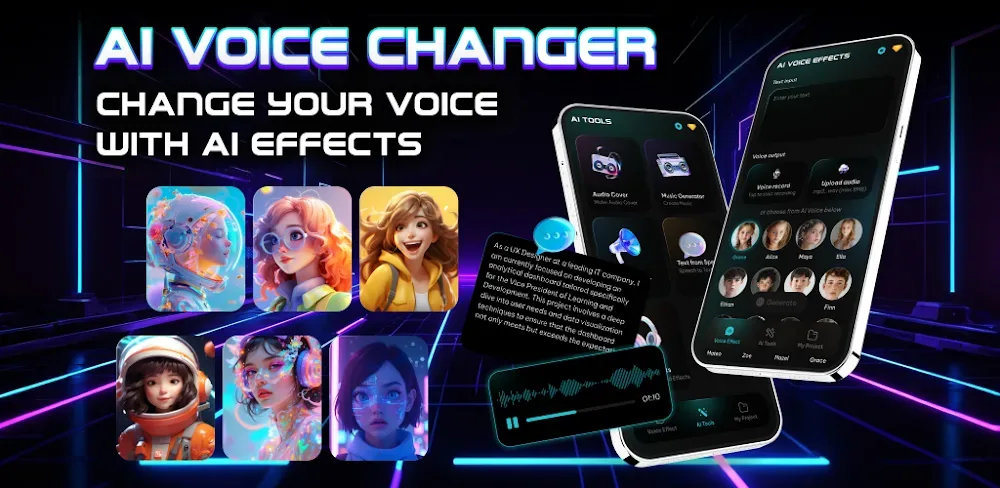
Generate lifelike speech and professional voiceovers with an advanced AI voice generator. Effortlessly add immersive narration to videos and gameplay like never before.
The AI Voices MOD APK unlocks the premium version of the app, lifting restrictions on the voice library and generation tools. This build gives you the complete set of advanced AI synthesis features that are normally locked behind a subscription in the standard release.
What’s Changed in AI Voices
- Premium Unlocked: Gives you full access to the complete library of professional AI voices and advanced generation tools without a paid subscription.
This build is version 11.0, weighs 75 MB, and uses the package name com.aivoice.voiceme. Please note that the file is re-signed, so it cannot be installed over a copy from the official store.
About AI Voices
With this app, you can put the latest audio technology to work on a wide range of projects. AI makes it quick to produce voiceovers for videos, and you can even narrate video games with it. It’s also useful for business and work presentations. The app instantly turns text into natural, human-sounding audio. When creating engaging audio content, it’s important to focus on clarity and give your voice some personality. The clean interface makes it easy to produce audio without a recording studio, and it removes the need for traditional voice recording altogether. Its powerful AI can convey human-like emotion in your audio, and it’s simple to use, delivering excellent results for straightforward audio projects.
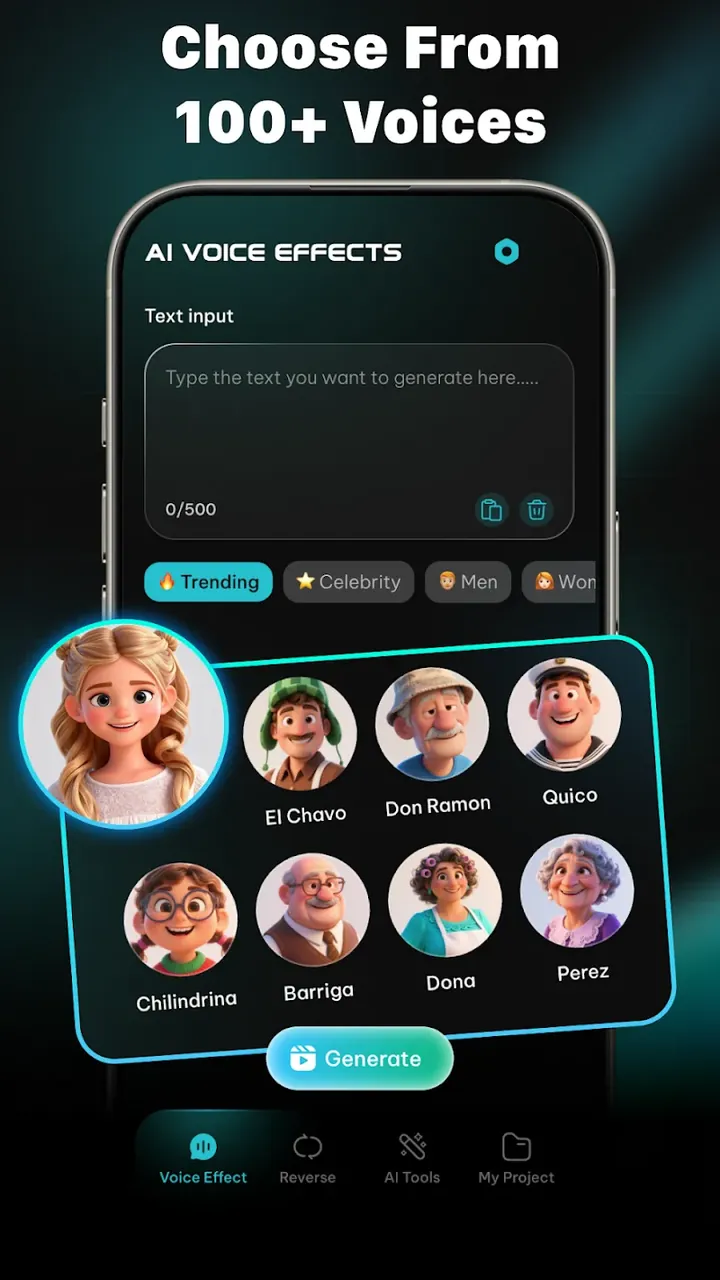
Endless Voices is the app’s library, offering access to hundreds of voices. Like the rest of the app, these voices are designed with different audiences in mind and are organized by gender and age. You can also filter them by style and tone, with options suited to serious content as well as voices better suited to lighthearted or comedic lines. The voices work well for many types of content, including presentations, lesson materials, and social media posts. Each one is built with emotional expression, so the result feels like more than a flat reading of a script.
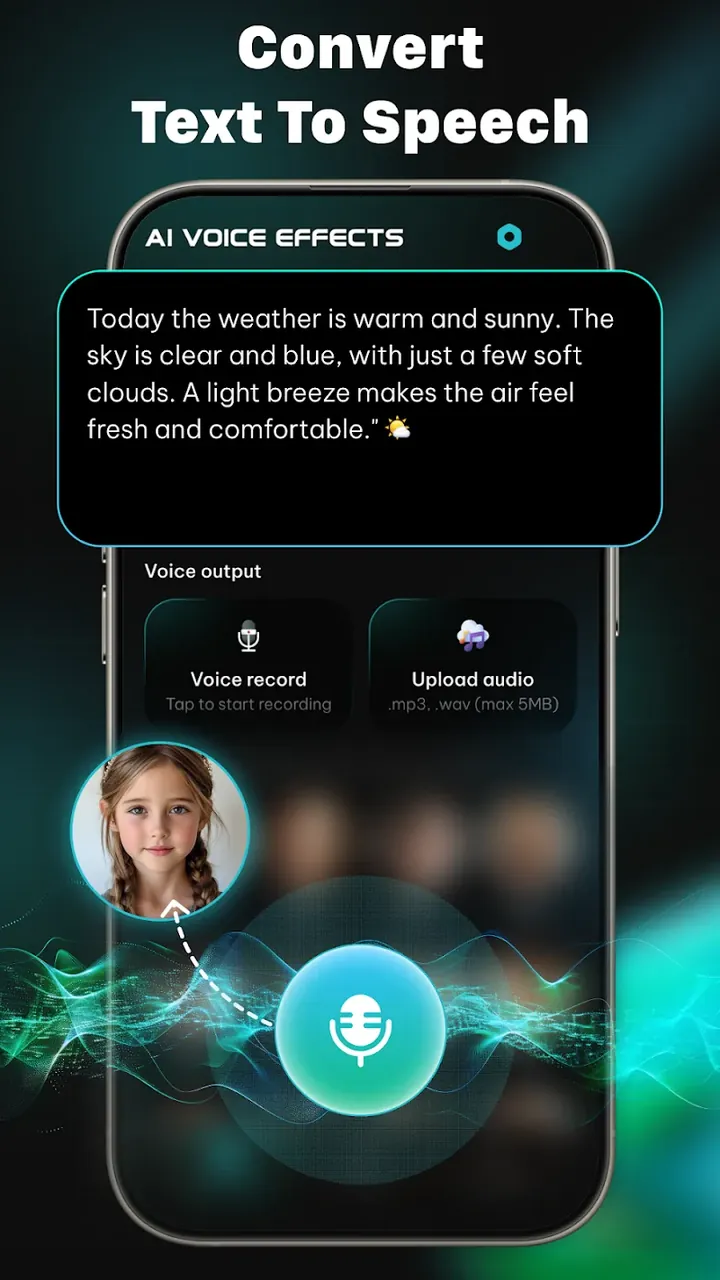
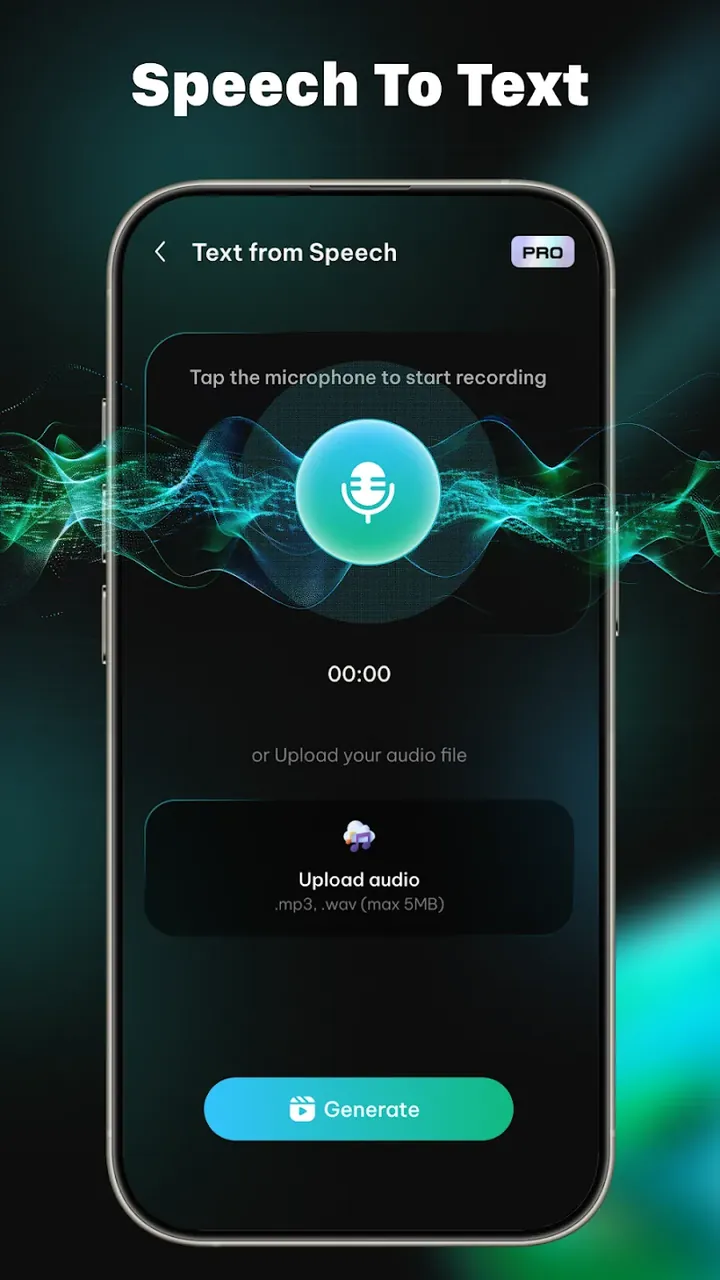
The app includes a text-to-speech feature built to read large volumes of text aloud. It works as a content creation tool for turning long documents into audio and is well suited to producing audiobooks. Like the rest of the app, this feature is designed with localization in mind. It supports more than 50 languages and helps you learn local accents and dialects, making it easier to create audio content for specific regions.
The app offers both a voice changer and a voice cloning tool. The voice changer lets you edit audio recordings to transform your voice into different characters, and it’s a fun option for tabletop role-playing game (RPG) sessions that make the game more immersive. The voice cloning tool uses AI to learn how a person naturally forms sounds and words, then builds a digital copy of that person’s voice. You can create and save these copies to use across different projects, or use them to generate personalized voice messages. The tool is designed to reproduce a voice with a high degree of fidelity.
Creating a voice recording in the app takes four simple steps. First, write or type a transcript of the message you want to record. There’s no limit on message length. Next, choose the voice you want to deliver it, selecting from several voices sorted by theme and emotional tone. Once you’ve picked a voice, adjust the speech to speed it up or slow it down. Finally, the app records the message and saves it to your device or computer.
Your settings are saved as soon as you select them, and generating the audio file is just one click away. You can export finished files as WAV or high-definition MP3. The app gives content creators an easy way to share their audio, and many online creators, including YouTubers, TikTokers, and podcasters, rely on it to streamline production. Professional voiceovers traditionally required expensive audio equipment, but this app removes that barrier by giving creators access to studio-quality narration.
Key features
- Access a massive selection of hundreds of lifelike voices covering diverse age groups and international accents.
- Convert full-length documents and entire audiobooks seamlessly with high-fidelity speech synthesis.
- Replicate your voice into a personal digital avatar using advanced artificial intelligence voice-cloning tools.
- Transform your vocal style on the fly for immersive roleplay, content creation, and live gaming matches.
- Communicate effortlessly across more than 50 languages with authentic regional accents and AAC speech assistance.
- Fine-tune your playback pacing with flexible narration speed sliders for quicker or slower delivery.
- Save your generated audio in studio-grade fidelity with both MP3 and WAV export capabilities.
- Quickly find your ideal match in the voice catalog using handy filters for persona, tone, and mood.
Related MOD APKs
- AI Photo Editor – AI Enhancer
- MovieBox ID: Watch Movies, TV Series, K-Dramas & Anime for Free
- KWGT Kustom Widget Pro
- SnapTube
FAQ
Is Premium unlocked in AI Voices – Text to Speech (AI Voice Changer & Generator) MOD APK?
Yes, the 11.0 release of AI Voices – Text to Speech (AI Voice Changer & Generator) comes with Premium Unlocked right out of the box, offering full access to all paid features immediately after setup.
What is the latest version of AI Voices – Text to Speech (AI Voice Changer & Generator) MOD APK?
The newest available release is build 11.0, dated August 21, 2026. GameMod.dev only offers the most up-to-date packages. You can update simply by installing this APK over your existing setup; if a signature conflict pops up, just uninstall the older build first.
Is AI Voices – Text to Speech (AI Voice Changer & Generator) MOD APK safe to download?
AI Voices – Text to Speech (AI Voice Changer & Generator) version 11.0 with Premium Unlocked is completely clean, rated 5/5 by users, and functions smoothly without root permissions. Feel free to bypass any Play Protect prompts during setup, and always grab your downloads directly from GameMod.dev.
Can I use AI Voices – Text to Speech (AI Voice Changer & Generator) MOD APK on PC or iPhone?
As a dedicated Android package, this app cannot be installed on iOS devices. If you want to run this 75 MB file on a PC, configure an Android emulator such as BlueStacks or LDPlayer and simply load the APK directly into it.
How to install
- Download the APK file above to your phone.
- Allow “Install unknown apps” when prompted.
- Open the downloaded APK and tap Install.
- If the package includes OBB/XAPK data, follow the bundled instructions.
MOD APKs are modified builds, so Play Protect may show a warning. Install only if you trust the file; use at your own risk.