

Screenshots

Description
Take full control of your device with ADB Shell MOD APK! Run commands, manage apps, and boost performance wirelessly with the all-in-one Android Debug Bridge toolkit built for pros.
Welcome to ADB Shell MOD APK, the all-in-one debug toolbox made for developers, enthusiasts, and power users who want complete command over their Android system. If you have ever wished to look past the standard interface and tap directly into the raw capabilities of the Android Debug Bridge (ADB), this app opens the door to deep customization and optimization. Whether you are a developer testing a fresh build or a power user looking to streamline your phone, ADB Shell MOD APK offers professional-grade tools to help you get the job done.
Key Features to Level Up Your Experience:
- Wireless Freedom: Leave the cables behind. ADB Shell MOD APK supports both Wireless Pair mode and WiFi Wireless ADB, giving you flexible connectivity in any setting.
- Complete App Management: Stay in charge of your software library. Launch apps instantly, force stop background processes, clear cache, and uninstall applications to recover storage and processing power.
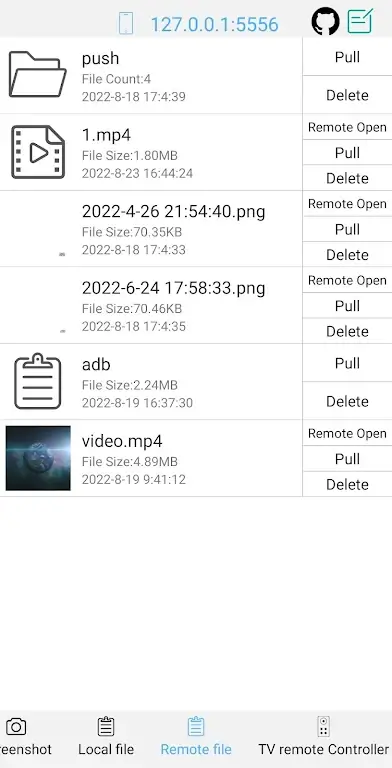
- Advanced File Operations: Work with your file system with precision. Push and pull files, delete data, and install APKs straight from the shell interface with ease.
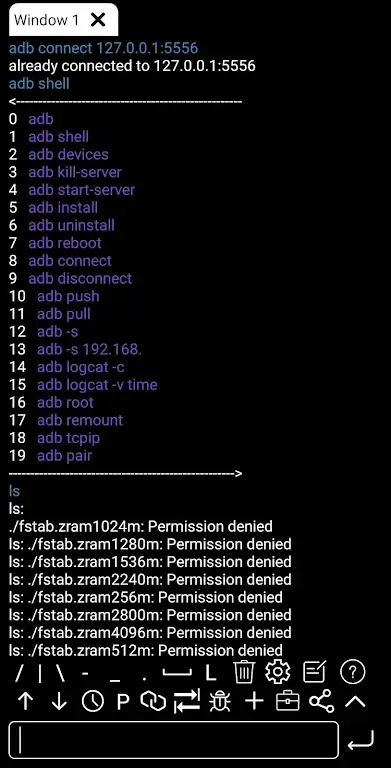
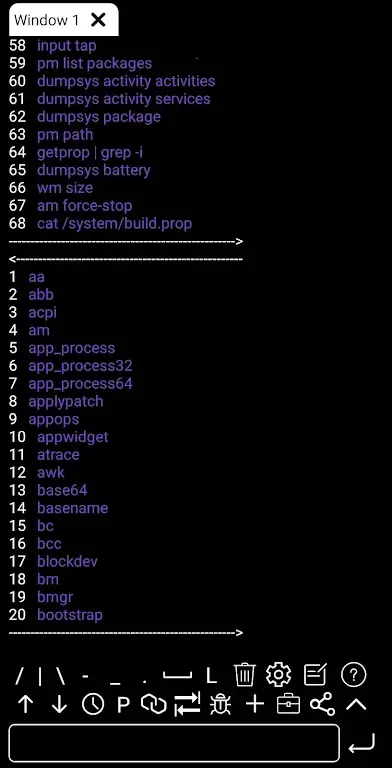
- Professional Shell Environment: Boost your productivity with associative input, command history, and autosave output. The interface is designed so you never lose track of your work.
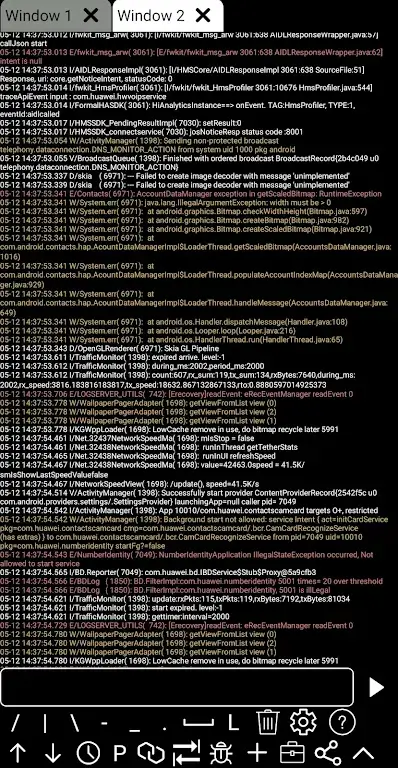
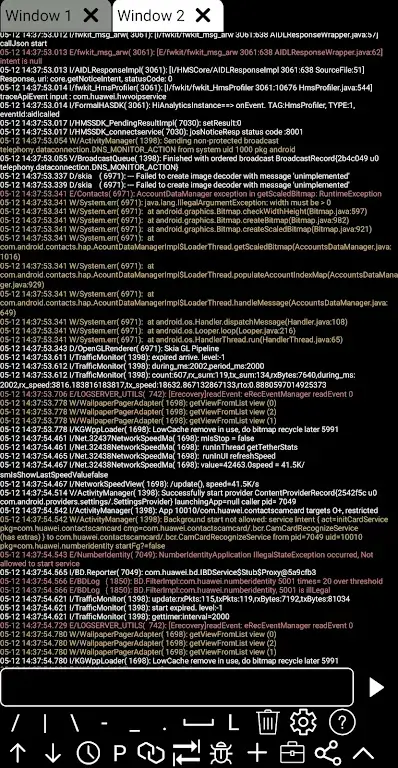
- Multi-Window Support: Multitask like a pro. Run several terminal windows at once to monitor different processes or execute multiple scripts in real time.
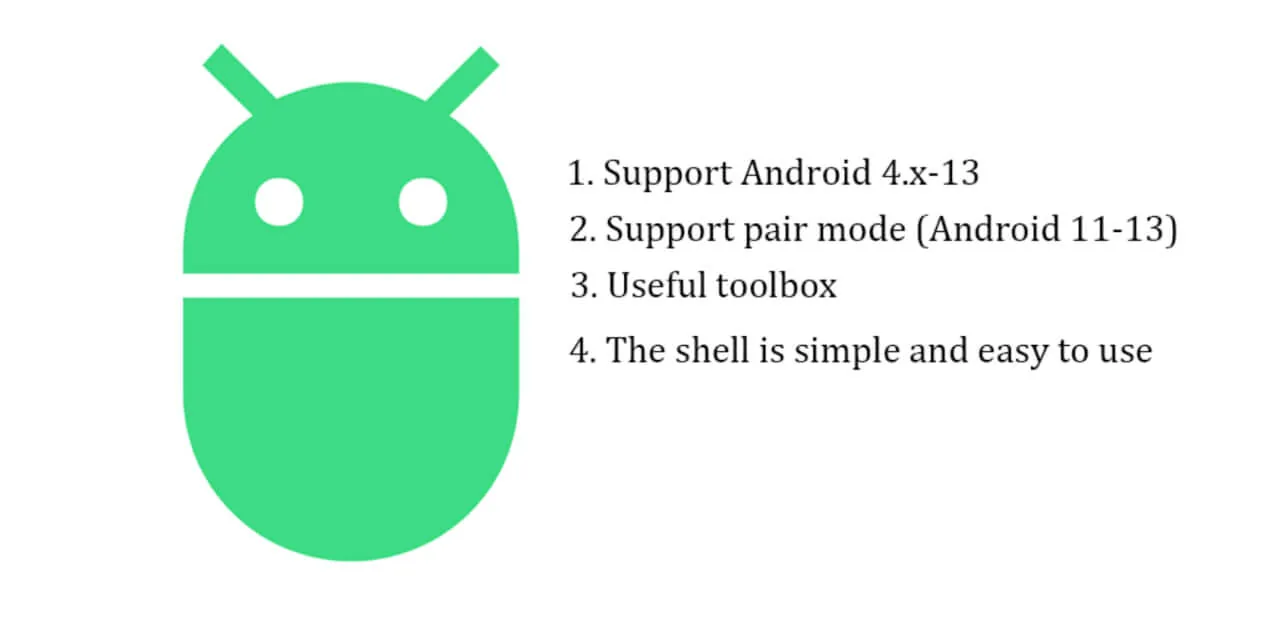
- Broad Compatibility: Enjoy support ranging from older devices running Android 4.X to the latest features of Android 13 and beyond.
Mastering the Mechanics of Optimization
ADB Shell MOD APK is much more than a terminal; it is a full monitoring suite for your mobile hardware. By reaching into the core of your device, you can track running browsers and active apps to pinpoint resource-hungry processes. The Efficient App Monitoring system delivers real-time data, showing you exactly how your device performs and suggesting the right actions to keep it running smoothly. This level of control is essential for anyone aiming to extend battery life and get the most out of their CPU.
For developers, the shell mechanics are tuned for speed. Associative input anticipates what you need, and command history lets you quickly rerun frequent tasks. Pushing and pulling files wirelessly means you can manage internal storage and app data without ever connecting to a PC. It is a portable command center that fits right in your pocket.
Conclusion
Unlock the hidden potential of your Android device today. Whether you want to clean up your system, manage files more effectively, or dive into developer-level command execution, ADB Shell MOD APK (Debug Toolbox) delivers the stability and power you need. It is time to take your mobile experience to the next level. Download ADB Shell MOD APK now and turn your device into a finely optimized, high-performance machine!
How to install
- Download the APK file above to your phone.
- Allow “Install unknown apps” when prompted.
- Open the downloaded APK and tap Install.
- If the package includes OBB/XAPK data, follow the bundled instructions.
MOD APKs are modified builds, so Play Protect may show a warning. Install only if you trust the file; use at your own risk.