
Screenshots
Description
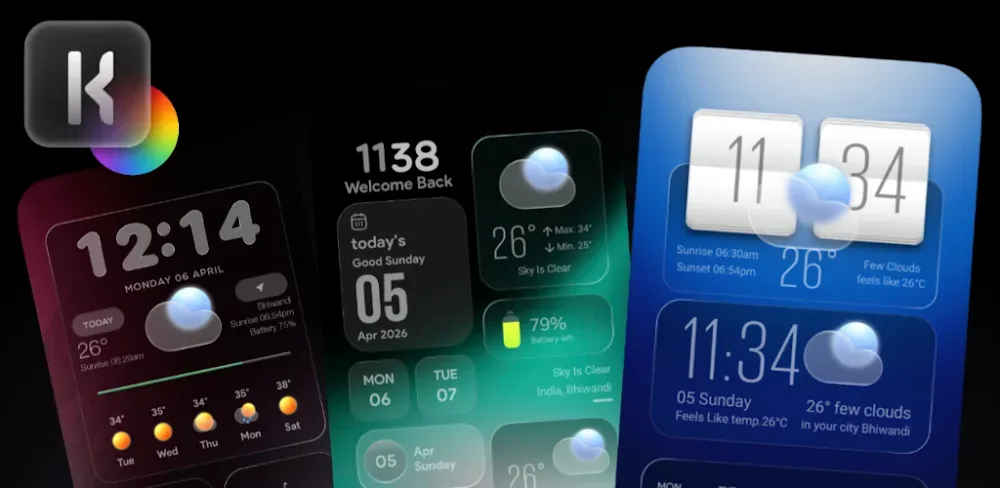
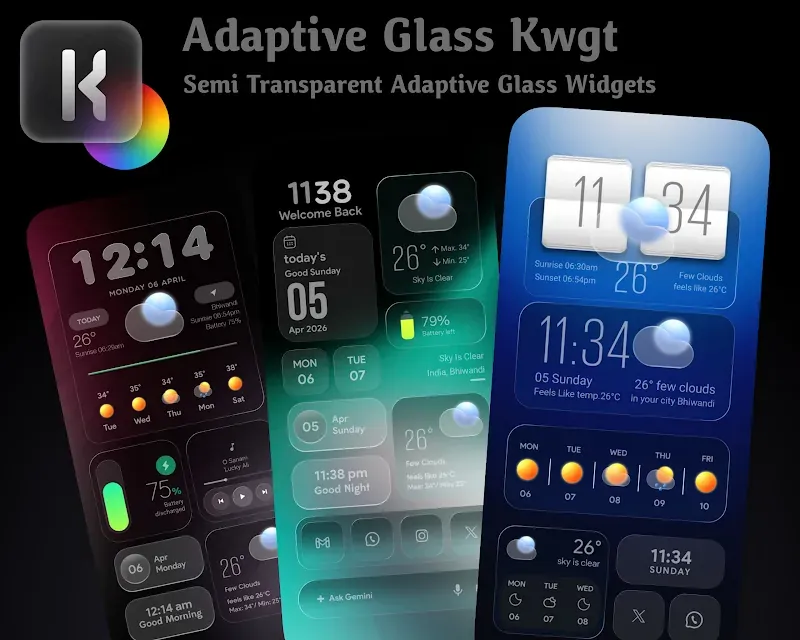
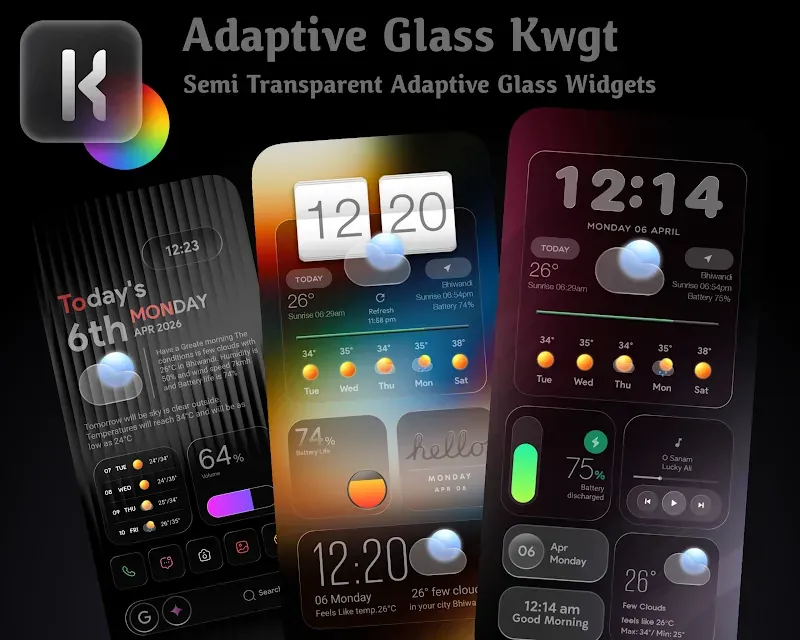
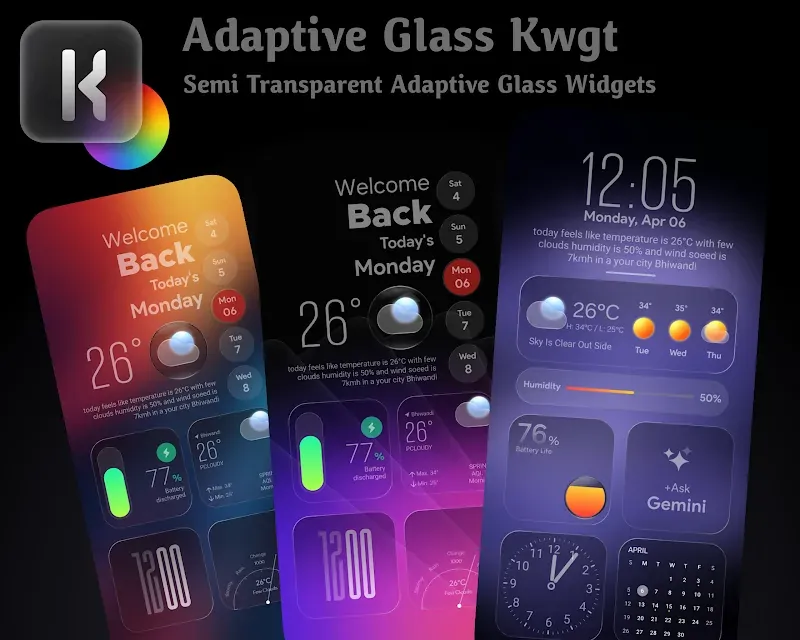
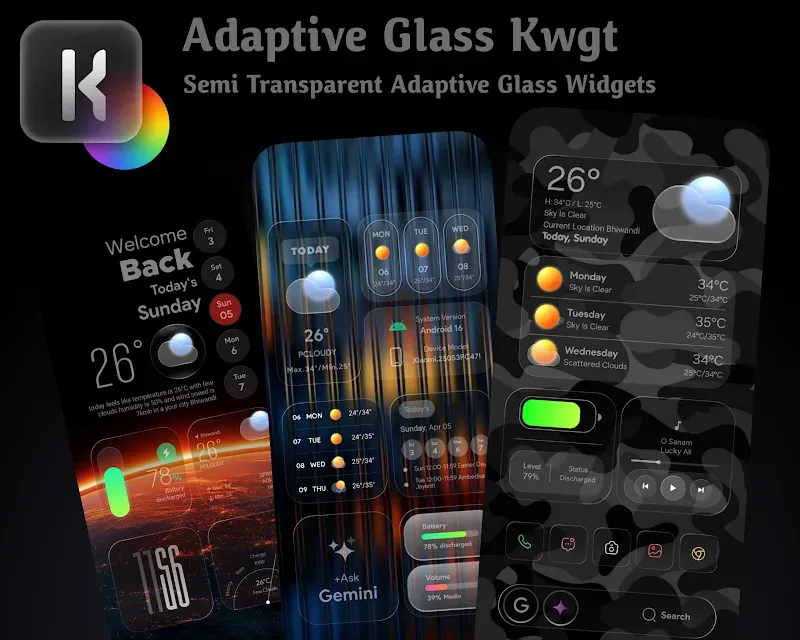
Give your Android device a fresh look with Adaptive Glass KWGT MOD APK! Its glass-style morphing widgets can turn your home screen into a sleek, modern layout that matches your wallpaper.
Tired of the same blocky interface on your Android? Adaptive Glass KWGT MOD APK brings a modern, personal touch built around the latest glassmorphism design. Your device can start to feel like a digital workspace, with layers of frosted transparency and visuals that shift with your surroundings.
A Modern Visual Experience
Every design leans toward a minimal yet elegant style, avoiding the clash that often happens when icons and widgets are layered on top of each other. The result is a home screen that feels like one unified system. Different shades, transparency levels, and layering let you achieve a balanced, attractive harmony.
Key Features of Adaptive Glass KWGT MOD APK:
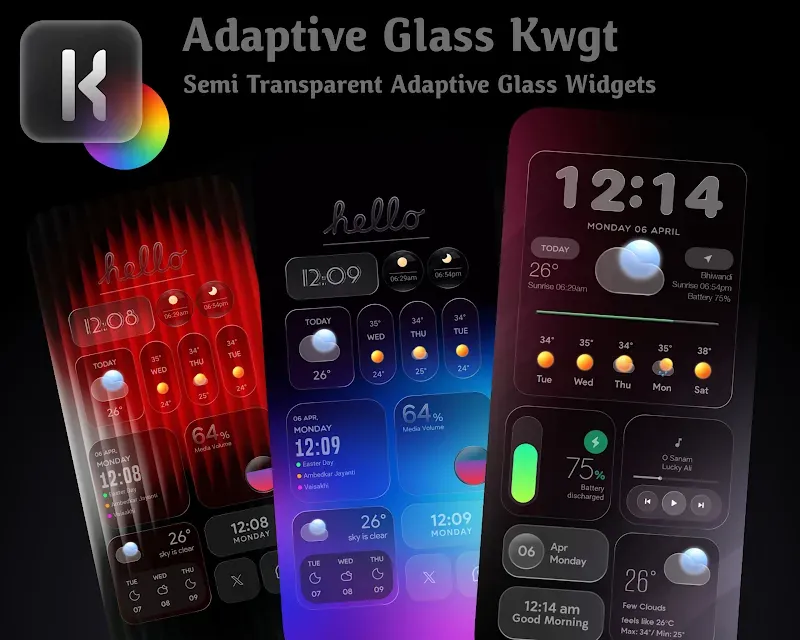
Dynamic Adaptive Color Palette: No more digging through color pickers! This widget pack takes its colors straight from your device's wallpaper, producing a seamless overlay and a consistent look across your entire UI.
Elegant Glassmorphism Design: Embrace the popular frosted glass look! Layered information, subtle depth, and transparency come together to create a striking, polished appearance.
Vast Selection of Widgets
The library includes clocks, calendars, system monitors, and weather widgets, all crafted to a high aesthetic standard.
Custom Scalable Options
Every element can be tuned to fit your exact screen. The 'Scale' tool lets you adjust the design to match your screen resolution and grid size.
Full KWGT Pro Integration
Built for the powerful KWGT engine, this app delivers strong stability. Components load quickly, so you can enjoy smooth, responsive performance.
Design Customization
As a premium utility for getting the most out of KWGT, Adaptive Glass KWGT MOD APK works best alongside KWGT Pro. Setup takes only a few minutes. To use the Adaptive Glass widgets, you'll need a third-party launcher such as Nova Launcher or Lawnchair, since these remove layout restrictions and let you place widgets wherever you like.
Once you've placed a KWGT frame, choose a preset from the Adaptive Glass widget library. In the Globals tab, you can adjust the glass blur and border thickness, and set the sensitivity of the Adaptive feature. Together, these options give you a complete design toolkit for shaping the interface exactly as you want it.
Final Thoughts
Your home screen doesn't have to look dull. Adaptive Glass KWGT MOD APK lets you create and shape your own Android designs to match your taste and needs. Whether you prefer a simple layout or a richer, busier glanceable screen, Adaptive Glass KWGT has you covered. Build your own personalized Android screens, and you won't regret it!
How to install
- Download the APK file above to your phone.
- Allow “Install unknown apps” when prompted.
- Open the downloaded APK and tap Install.
- If the package includes OBB/XAPK data, follow the bundled instructions.
MOD APKs are modified builds, so Play Protect may show a warning. Install only if you trust the file; use at your own risk.