
Screenshots
Description
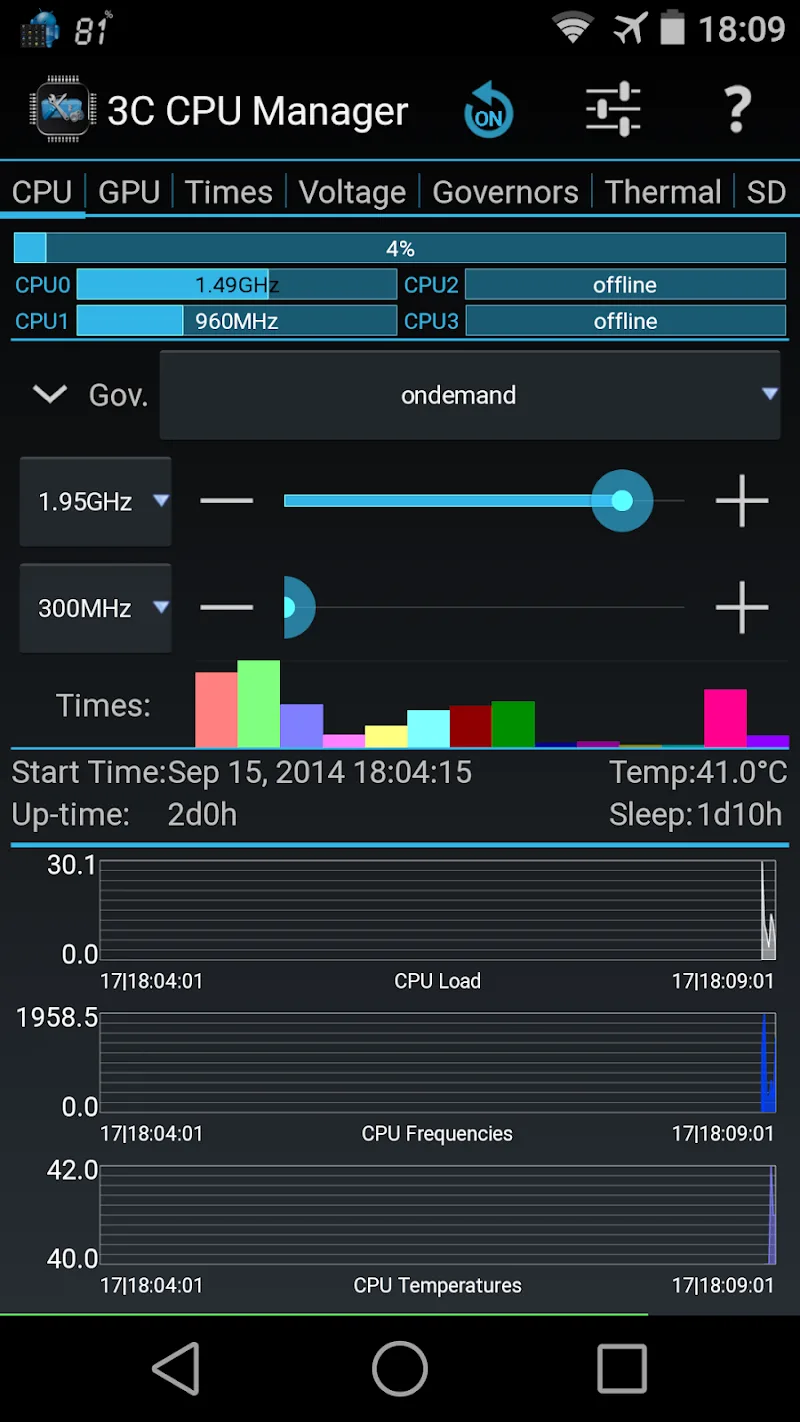
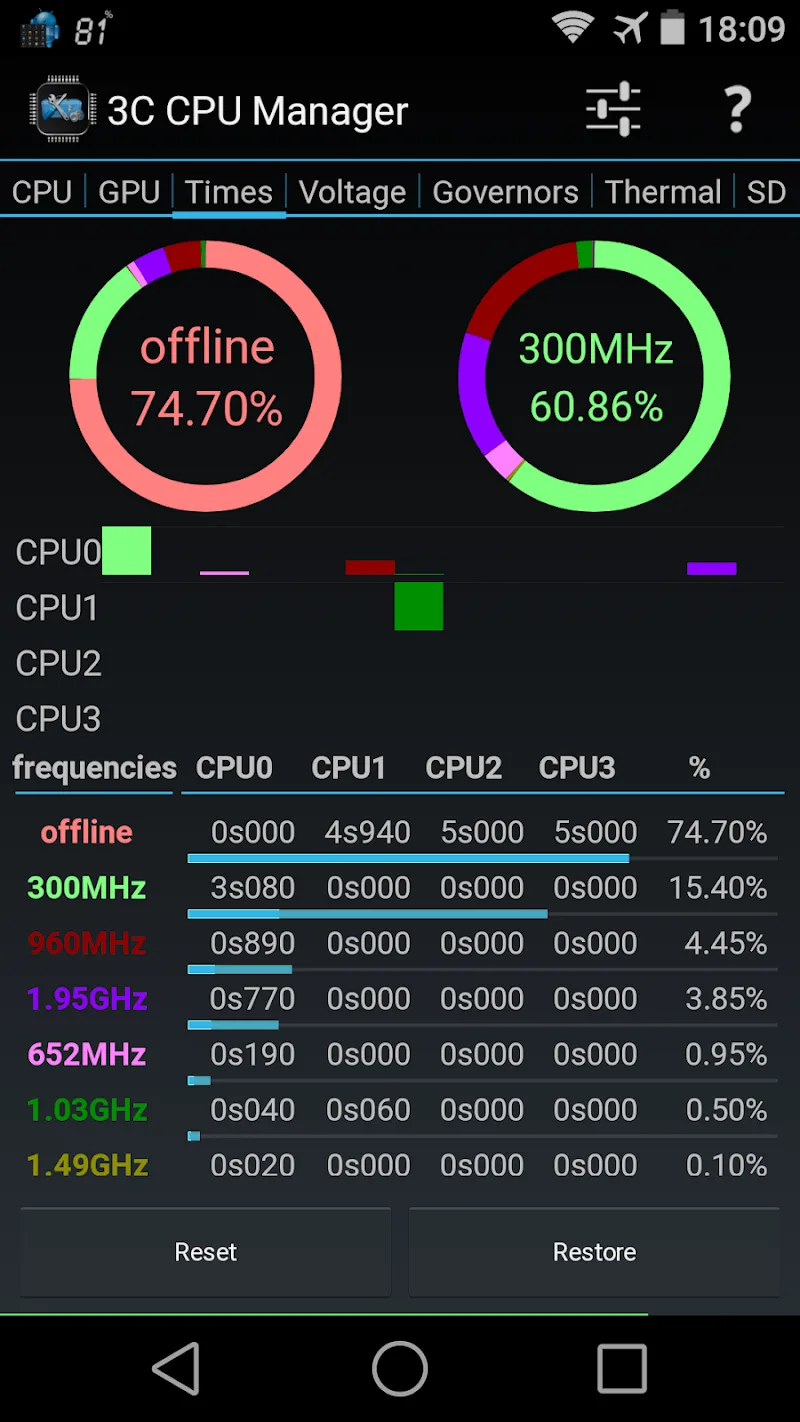
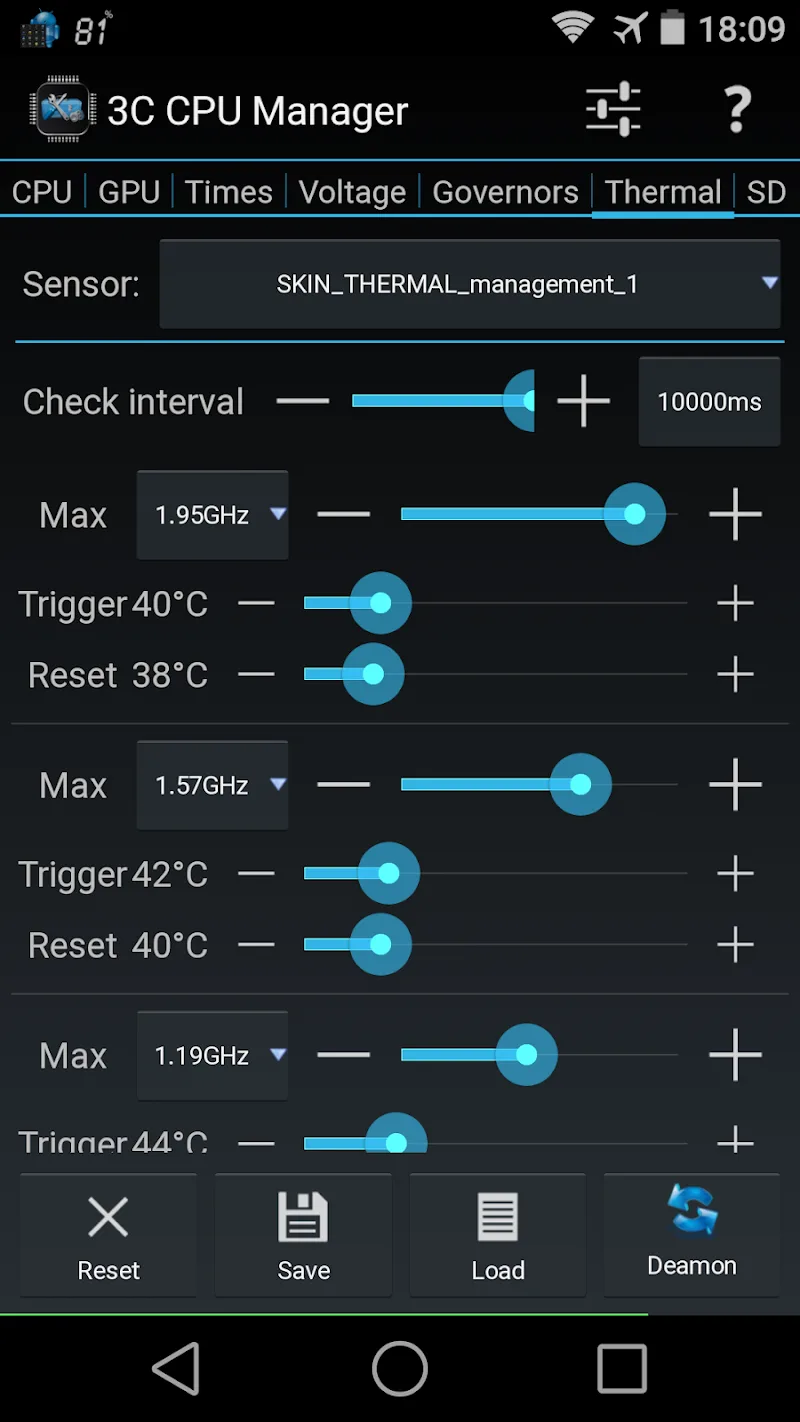
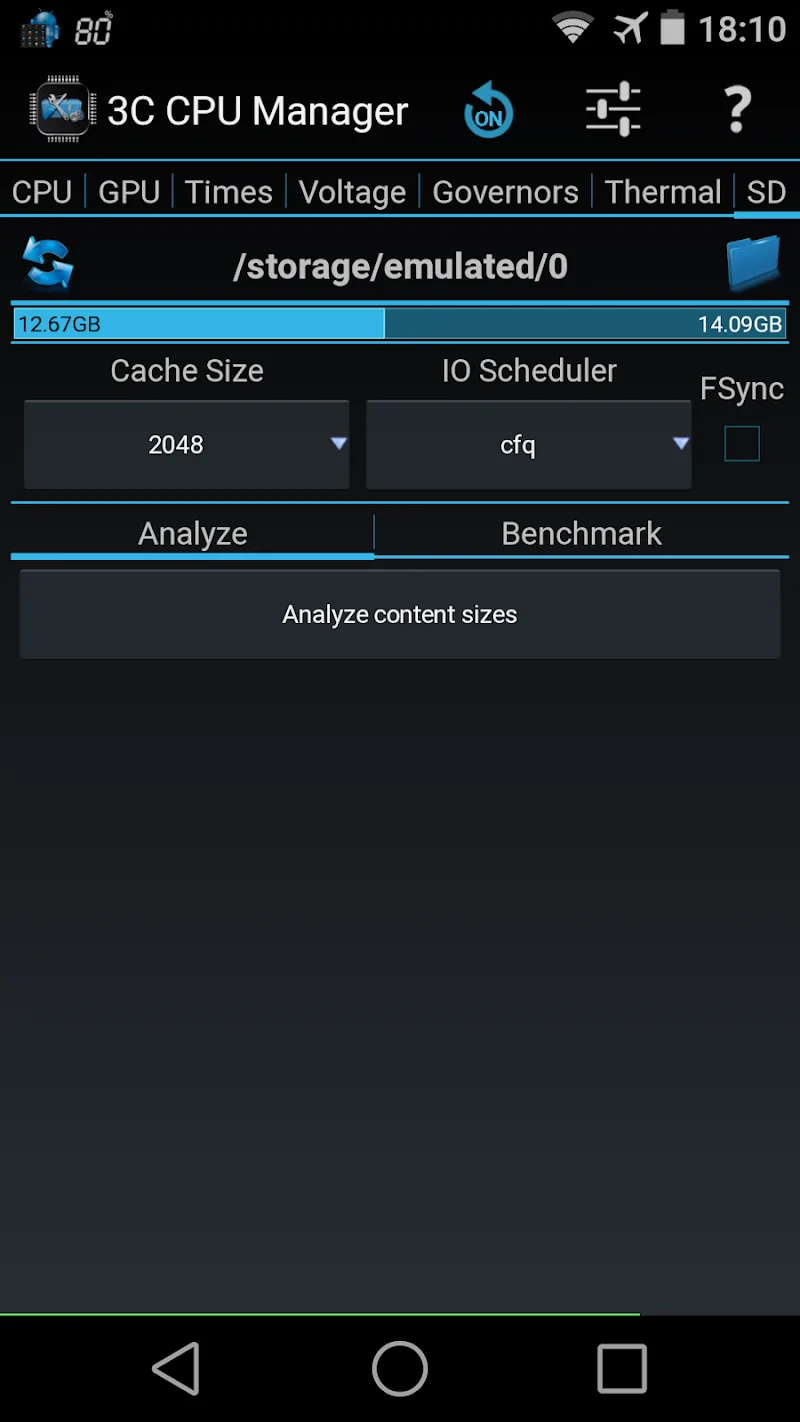
Taking control of your Android system's performance has never been easier. 3C CPU Manager (root) gives you full command over what your mobile device can do. Built specifically for rooted devices, this utility offers a clean, intuitive interface for deeply managing CPU and GPU settings. Alongside real-time monitoring of temperatures and operating frequencies, the app lets you freely customize widgets on your home screen, making day-to-day device management much simpler.
Performance Management and Configuration Customization
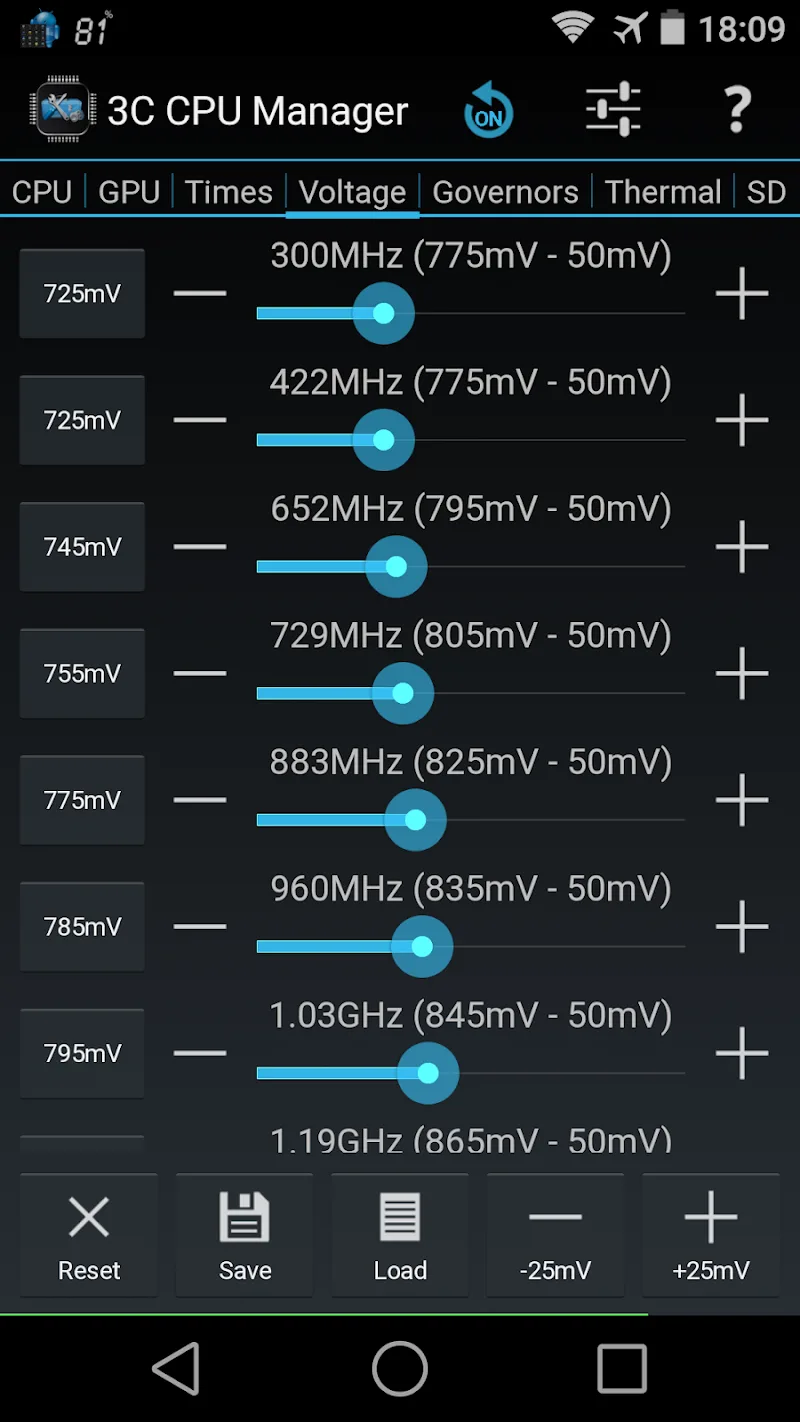
Want to control nearly every layer of your device, right down to the core? The app puts you in charge of CPU settings across up to 16 cores, along with voltage and temperature parameters. By setting separate operating profiles for when the screen is off, you can get the most out of your battery savings. Switching between multiple profiles is quick and convenient thanks to handy notification shortcuts.
- Configuration: Control up to 16 CPU cores
- Optimization: Set frequency, governor, voltage
- Profile: Flexible switching via shortcuts
Display Utilities and Advanced Features
The app also includes visual tools that make it easy to keep track of what's happening. A versatile widget system lets you monitor history charts for CPU load and GPU temperature directly on your home screen. Upgrading to the paid version within the app removes ads entirely and unlocks extra advanced interface themes. You can also adjust widget sizes and data refresh rates to match your personal preferences.
- Display: CPU load and temperature graphics
- Widget: Customizable size and data
- Upgrade: Remove ads and unlock features
How to install
- Download the APK file above to your phone.
- Allow “Install unknown apps” when prompted.
- Open the downloaded APK and tap Install.
- If the package includes OBB/XAPK data, follow the bundled instructions.
MOD APKs are modified builds, so Play Protect may show a warning. Install only if you trust the file; use at your own risk.