
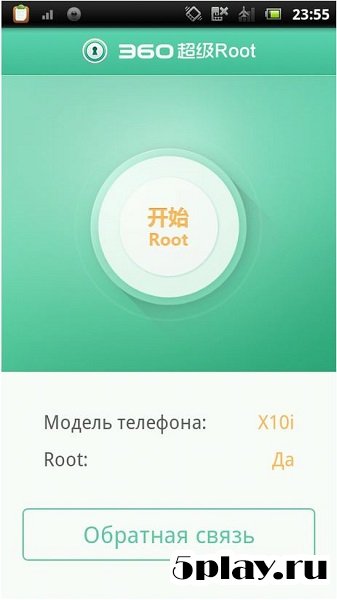
Screenshots

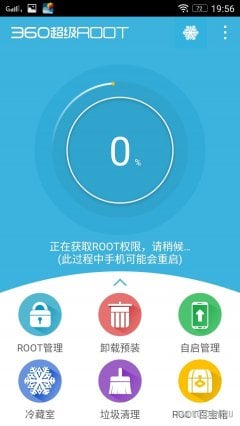
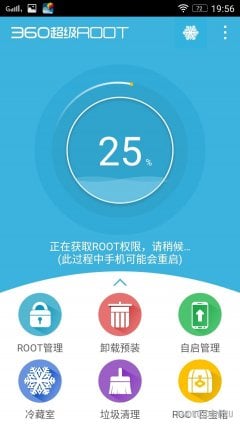

Description
360 Root
- Updated 19-03-2018, 16:56
- Version 8.1.1.3
- Build Number 494
- Requirements Android 4.0+
- Genre Miscellaneous
- Price Free
360 Root is a system utility that lets you gain administrator privileges on your Android smartphone or tablet. Root access gives device owners far greater freedom, since it removes many of the default restrictions on how the gadget can be used. The development team at Qihoo 360 put together a solid tool and released it as this app.
With a single tap, the app grants you access to all of the device's functions. Before installing, users are asked to read the instructions, where the developers outline the possible consequences of using the program. Keep in mind that you install it at your own risk, since doing so may void the manufacturer's warranty.
Once installed, a main screen with a large button appears. Tapping it grants you the sought-after administrator rights. Root access doesn't always succeed on the first try, but in most cases the process runs smoothly. 360 Root is a strong choice for anyone who wants to reach system files and get the most out of their device. Can't download? Installing games and apps Installing games with cache How to take a screenshot How to install APKS
How to install
- Download the APK file above to your phone.
- Allow “Install unknown apps” when prompted.
- Open the downloaded APK and tap Install.
- If the package includes OBB/XAPK data, follow the bundled instructions.
MOD APKs are modified builds, so Play Protect may show a warning. Install only if you trust the file; use at your own risk.