

Screenshots
Description
Keep your device running smoothly with 1Tap Cleaner Pro APK, a powerful tool designed to reclaim internal storage by wiping away unnecessary app cache and junk files.
This version of 1Tap Cleaner Pro MOD APK comes with a fully patched and optimized framework, unlocking all professional-grade features. The modification is specifically tuned to accelerate your storage cleanup processes for better efficiency.
What’s in the 1Tap Cleaner Pro Mod
- The application has been fully patched to grant you access to all professional features.
- Internal code has been refined to ensure cleaning tasks run faster and more effectively.
This is version 5.22, weighing in at 6M with the package name com.a0soft.gphone.acc.pro. Please note that since this is a re-signed file, you must uninstall any previous versions from the official store before installing.
About 1Tap Cleaner Pro
1Tap Cleaner Pro is an advanced Android utility designed to analyze and manage file structures on your device. Whether you are using the free trial or the full premium version, this tool scans your operating system and installed apps to pinpoint redundant data. It is the perfect solution for users struggling with low storage warnings or sluggish system performance. By offering granular control, the app allows you to selectively delete temporary or system files, making it a valuable asset for both casual users and tech enthusiasts.
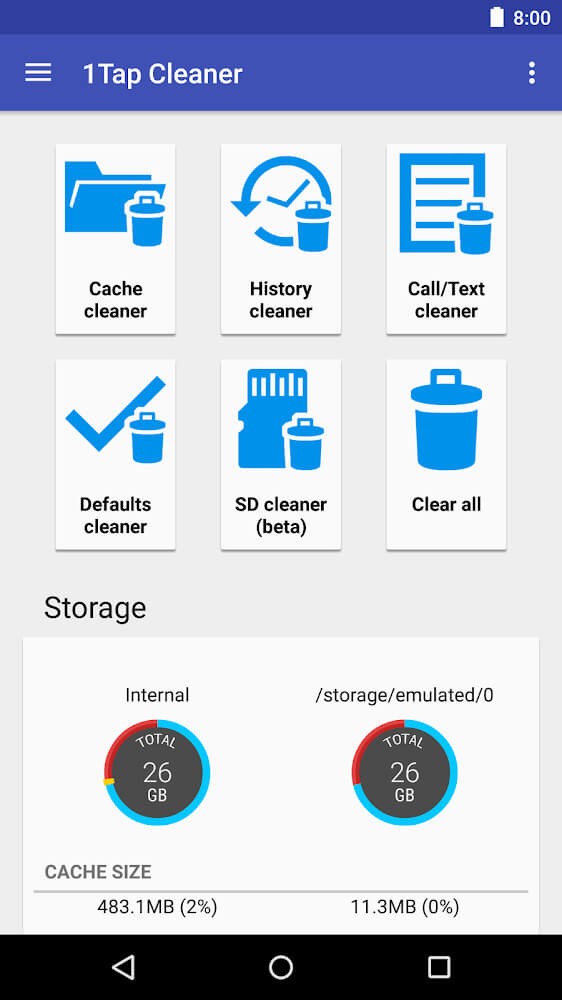
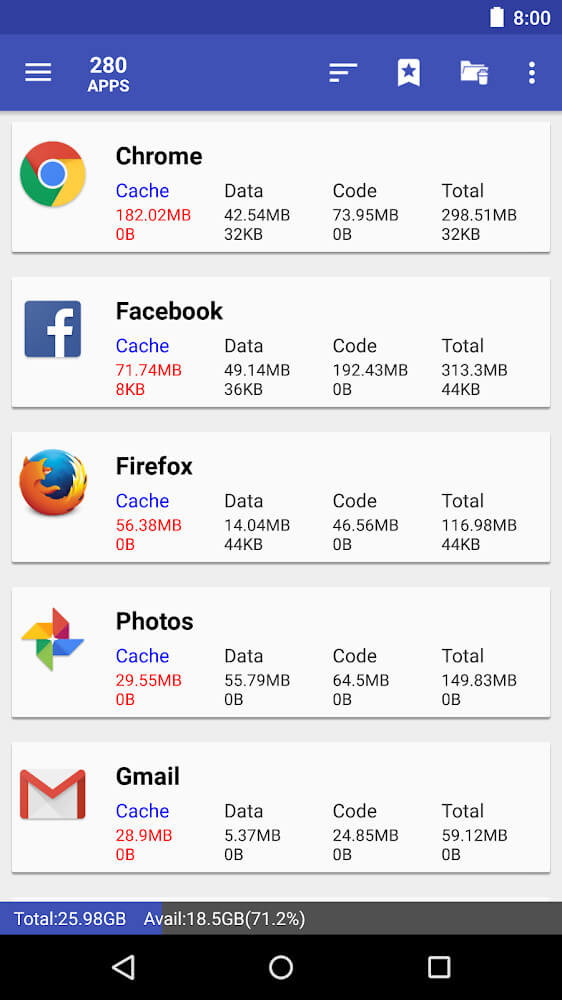
Managing application caches is the primary function of this tool, as these temporary files often consume the most unnecessary space on your phone. While caches are meant to improve loading speeds, they frequently accumulate over time and lead to device lag. 1Tap Cleaner Pro helps you identify these bloated files and clear them out easily. By displaying a list of the biggest space-consuming apps, the software allows you to manage your memory intelligently rather than simply deleting everything at once, ultimately boosting your device's overall responsiveness.
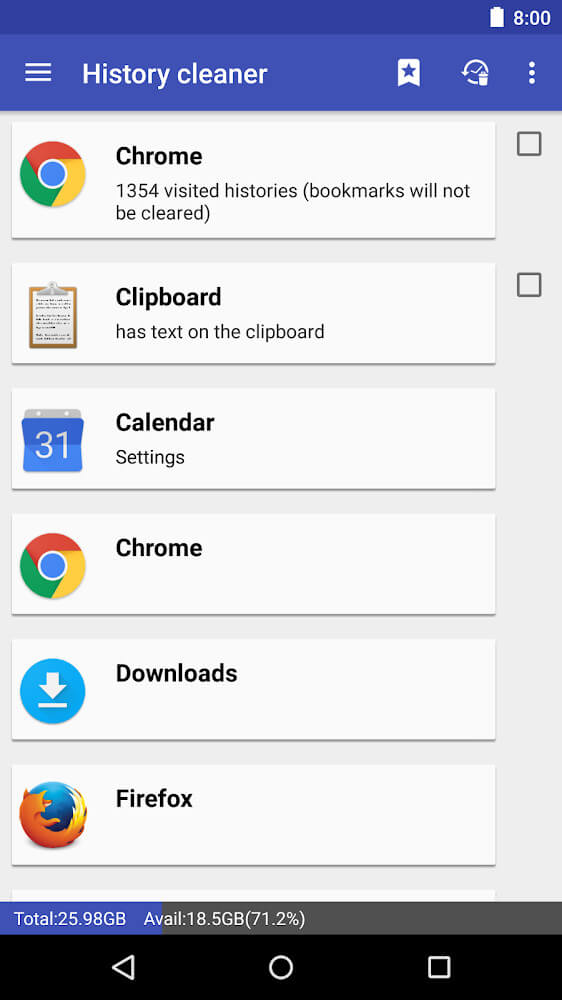
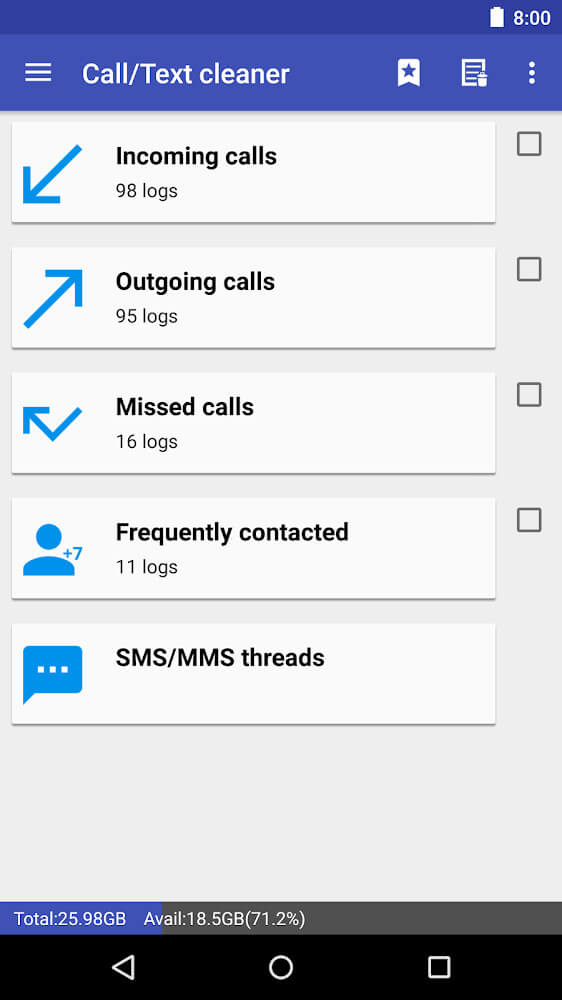
Beyond just cache, this utility excels at purging history logs that build up during daily use, such as outdated call logs and message history. The intuitive interface lets you quickly review and remove these unwanted communication records, decluttering your apps. It also handles browser history, which is often packed with tracking data and small, fragmented files. By clearing this data, you not only reclaim space but also help your browser run more efficiently. This gives you full control over your digital footprint and helps keep your device tidy.
For users who want real-time monitoring, 1Tap Cleaner Pro includes a highly functional home screen widget. You can track your system cache, used storage, and available space at a glance without launching the full application. The widget even allows you to trigger a cleaning cycle with a single tap and can be customized with various colors to match your theme. Additionally, the app provides a comprehensive list of all installed software, highlighting which apps consume the most resources to help you decide what to keep and what to remove.
Automation is the core of this experience, built to help you save time and effort. Once you have configured your cleaning preferences, simply enable the automation tool. This feature will automatically clear your RAM and wipe access histories based on the time intervals you choose. The app proactively maintains your system by removing junk files that tend to accumulate and cause slowdowns or crashes. If your device is already running low on storage, the app lets you clear a significant amount of space instantly with just one tap. The developer has created an interface that cuts through the clutter of typical utility apps, keeping things intuitive and straightforward. Every screen features a clean, black background to minimize distractions and highlight what truly matters, making it accessible for users of any technical skill level. Navigating the app is intuitive, and the workflows are designed to feel natural.
Performance and Reporting
To stay updated and provide real-time error reporting, the app requires an active internet connection. You will receive instant notifications if any issues arise during a cleaning process. We provide high-quality, localized support for many languages; our translations are handled by native speakers rather than automated tools, ensuring they remain accurate and contextually relevant. This global approach makes the app highly effective for users worldwide. As this is the Pro version, you will enjoy an entirely ad-free experience. Since the app's main goal is device optimization, removing ads ensures there are no interruptions while you manage your system. It is a powerful utility packed with automated cleaning tools for every Android user.
Key features
- One-touch data cleaning
- Remove application cache
- Clear call and message history
- Optimize and wipe browser history
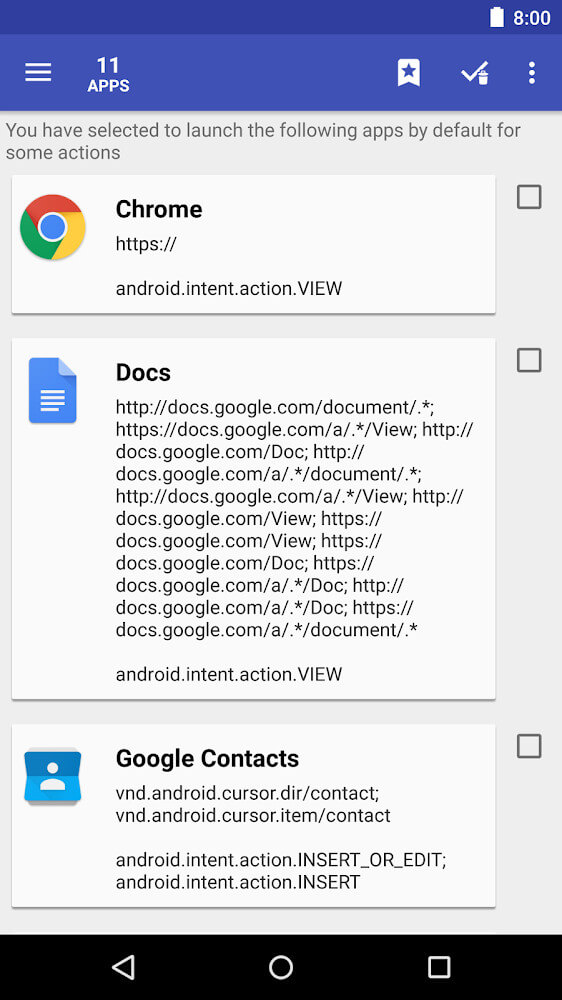
- Comprehensive list for monitoring app data
- Customizable home screen widget
- Automatic history and memory cleaning schedules
- Native multi-language support
- Professional interface without ads
Related MOD APKs
- App Usage
- AppMgr Pro III
- aProfiles
- aCurrency
FAQ
What does 1Tap Cleaner Pro MOD APK unlock?
This version 5.22 of 1Tap Cleaner Pro is fully Patched and Optimized. It mirrors the Sam Lu release, providing all premium features immediately upon installation.
What is the latest version of 1Tap Cleaner Pro MOD APK?
Version 5.22 is the current build, matching the Sam Lu release from August 10, 2026. We only provide the latest files here. You can update by installing this version over your current one. Should you encounter a signature conflict, simply uninstall the previous version first.
Is 1Tap Cleaner Pro MOD APK safe to download?
This 5.22 build of 1Tap Cleaner Pro, originally by Sam Lu, is Patched and Optimized. It holds a 3.4 rating from 110 users and does not require root access. While you may see Play Protect warnings during installation, rest assured that this file is safe when downloaded directly from GameMod.dev.
Can I use 1Tap Cleaner Pro MOD APK on PC or iPhone?
This app is designed for Android and cannot be installed on an iPhone. To run this 6M APK file on a computer, you will need an emulator like BlueStacks or LDPlayer. Once your emulator is set up, simply drag and drop the file into the program to begin.
How to install
- Download the APK file above to your phone.
- Allow “Install unknown apps” when prompted.
- Open the downloaded APK and tap Install.
- If the package includes OBB/XAPK data, follow the bundled instructions.
MOD APKs are modified builds, so Play Protect may show a warning. Install only if you trust the file; use at your own risk.